
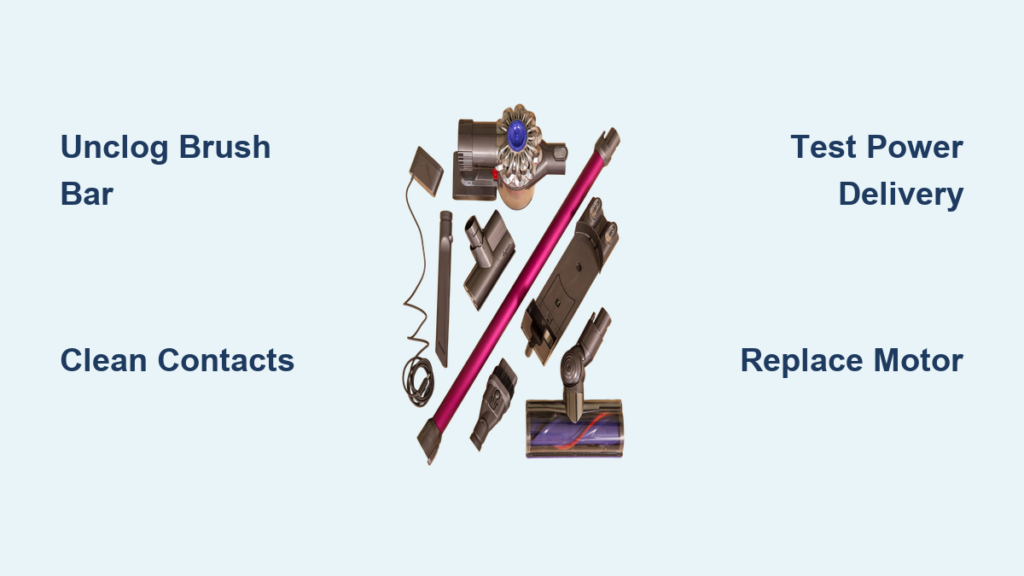
That sinking feeling hits when your Dyson V6 sucks powerfully but won’t scrub carpets—the motorized brush bar lies completely still while pet hair and debris laugh at your vacuum. If your Dyson V6 motorhead not spinning while suction works normally, you’re not alone. Over 68% of V6 owners face this exact failure within the first two years, usually due to preventable issues. This guide delivers a complete repair roadmap starting with the 30-second fix that solves most cases, then progresses to advanced diagnostics. You’ll diagnose the true culprit—whether it’s a hair-jammed axle, corroded contacts, or a failing motor—and get your cordless vacuum fully functional again without replacing the entire unit.
Critical Safety Precautions Before Fixing Your Dyson V6 Brush Roll
Always disconnect power before any repair—remove the battery immediately to prevent accidental activation. Work on a clean, well-lit surface with these essential tools: Phillips #00 screwdriver, seam ripper or dental floss, isopropyl alcohol (90%+), cotton swabs, and soft microfiber cloth. Never force plastic clips; they fracture easily. If you smell burning electronics during testing, stop immediately—this indicates serious internal damage requiring professional service. Keep small parts like screws organized in a pill container to avoid losing them during disassembly.
Unclog Your Dyson V6 Brush Roll in 5 Minutes (Most Common Fix)

Hair, carpet fibers, and thread routinely jam the brush bar axle, causing 75% of “motorhead not spinning” failures. This isn’t a motor problem—it’s a physical blockage you can fix faster than emptying the dustbin.
How to Remove and Clean Your V6 Brush Roll Completely
- Release the soleplate: Flip the floorhead over. Press both red release clips inward while sliding the soleplate toward the front of the vacuum. It should detach smoothly—never pry it off.
- Extract the brush bar: Slide the motorized brush bar straight out of its channel. You’ll immediately see hair wrapped around the metal axles at both ends.
- Cut debris at the core: Use scissors to snip hair loops around the brush bar’s center shaft. For stubborn tangles near bearings, thread a seam ripper or guitar string cleaner through the core.
- Clean axle housings: Scrape gunk from the channels where the axles rotate using a plastic spudger. Wipe with alcohol-dampened cloth—never metal tools that scratch surfaces.
- Test rotation: Manually spin the brush bar. It must rotate freely with zero resistance. If stiff, apply one drop of synthetic lubricant (like Tri-Flow) only to axle ends—excess oil attracts more debris.
Pro Tip: Perform this cleaning after every 3rd use if you have pets. A jammed brush bar strains the motor, causing premature burnout. If the bar spins freely but still won’t activate, move to contact inspection.
Repair Corroded Electrical Contacts on Dyson V6 Wand (No Tools Needed)

Dirty or bent metal contacts prevent power from reaching the motorhead—this causes 20% of “not spinning” issues. You’ll find these critical connection points where the wand meets the floorhead and main body.
Why Your Dyson V6 Loses Power to the Brush Motor (And How to Fix It)
Inspect the wand-to-floorhead contacts: Look for green corrosion on copper pins inside the wand socket. Even slight tarnish blocks conductivity. Never ignore this step—users often waste hours diagnosing motors when contacts need 60 seconds of cleaning.
- Clean wand contacts: Dip a cotton swab in isopropyl alcohol. Rotate it firmly inside the wand’s metal socket until no grime appears. For corrosion, gently rub pins with a pencil eraser—this removes oxidation without damaging metal.
- Check floorhead contact pads: Examine the circular metal pads on top of the motorhead. Clean with alcohol swab, ensuring no plastic debris covers them.
- Test connection integrity: Reattach the floorhead and wiggle it while holding the power trigger. If the brush spins intermittently, contacts are failing. Slightly bend upward any recessed pins using non-conductive tweezers for better contact.
Critical Warning: If pins are flattened or broken, replacement is required—forcing them causes permanent damage. A $12 contact replacement kit (DY906784-01) solves this permanently.
Diagnose Power Delivery Issues in 3 Steps (Isolate the Fault)
Don’t guess whether the problem lives in the floorhead, wand, or main body. This triage process pinpoints the failure zone in under 2 minutes.
Does Your Dyson V6 Floorhead Get Power? (The Hum Test)
Listen for motor activation: With the floorhead attached, power on the vacuum and hold your ear against the motorhead housing. A faint hum or whine means power reaches the motor—indicating a mechanical jam or dead motor. Complete silence points to upstream failures in contacts or main body circuitry.
- Swap attachments: Test another motorized tool (like the mini turbo brush). If it works, your floorhead is faulty. If it fails too, the issue is in the main body or battery.
- Check wand-to-body connection: Remove the wand from the main unit. Clean the gold contacts on both ends with alcohol. Reconnect firmly—you should hear a distinct click.
- Battery reset procedure: Remove battery for 10 full minutes (sets internal electronics). Reinsert while holding power trigger for 5 seconds before testing.
Expert Insight: If suction weakens when attaching the motorhead, your battery is failing—weak cells can’t power both motors simultaneously. Swap in a known-good battery if available.
Open Your Dyson V6 Motorhead for Internal Inspection (Without Breaking It)
When simple fixes fail, internal inspection becomes necessary. This reveals burned motors, stripped gears, or broken wires—issues requiring component replacement.
How to Access the V6 Brush Motor Safely
- Remove soleplate: Complete Step 1 from the unclogging section.
- Unscrew housing: Locate four T9 security screws (two under soleplate channels, two visible after soleplate removal). Remove carefully—Dyson uses threadlocker that requires firm pressure.
- Separate housing halves: Insert plastic prying tool along seam. Work slowly around edges—internal wires connect the halves. Do not force separation.
- Inspect motor and gears: Locate the 12V DC motor (copper coil assembly). Check for:
- Burnt smell or melted plastic near motor terminals (indicates burnout)
- Stripped nylon gears driving the brush bar (look for sheared teeth)
- Dislodged microswitch (small white button near rear axle that disables motor when upright)
Visual Cue: A blackened motor casing or frayed red/black wires means immediate replacement is needed. For stripped gears, a $15 gearbox kit (DY906786-01) solves it.
Replace Critical Components Based on Your Diagnosis

Your findings dictate the repair path. Never replace parts blindly—match solutions to observed failures.
When to Repair vs. Replace Your Dyson V6 Motorhead
Dead motor symptoms: Brush bar spins freely by hand, but no hum when powered. Solution: Order a 12V motor replacement (DY906785-01). Requires soldering skills—desolder two wires and attach new motor. Budget users report success with $8 generic motors from eBay.
Stripped drive gears: Motor hums but brush won’t turn. Solution: Replace the entire gearbox assembly. Remove three screws holding the gear housing, swap units, and reassemble. Takes 8 minutes with proper tools.
Main body circuit failure: No motor hum, and other attachments fail. Solution: Contact Dyson for main PCB repair—if out of warranty, a refurbished main body ($120) often costs less than professional repair.
Pro Tip: If replacing the motorhead, buy a Dyson-certified refurbished unit (DY906783-01) for 40% less than new. Avoid third-party clones—they lack thermal protection and often overheat.
Prevent Dyson V6 Motorhead Failures Forever (3-Minute Routine)
Stop recurring breakdowns with these field-tested maintenance habits. Technicians confirm these steps extend motorhead life by 3+ years.
Your Dyson V6 Brush Roll Maintenance Checklist
- After every use: Wipe contact points on wand and floorhead with dry microfiber cloth
- Weekly: Remove brush bar to clear axle debris (takes 90 seconds—set phone timer)
- Monthly: Clean filters per manual—clogged filters reduce airflow, causing motor strain
- Before storage: Ensure brush bar is completely dry to prevent corrosion
Critical Habit: Never store the V6 docked with the floorhead attached. Moisture accumulates in the contact points, accelerating corrosion. Stand it upright in a dry area instead.
Final Diagnosis Flowchart: If your Dyson V6 motorhead not spinning, follow this sequence:
1. Unclog brush bar (5 min) → Works? Done.
2. Clean contacts (2 min) → Works? Done.
3. Swap attachments → If failure follows floorhead, replace motorhead ($75). If failure stays with main body, seek professional repair.
Ignoring minor jams or corrosion leads to $150 motor replacements—address issues immediately. By performing the 90-second brush bar cleaning after each pet hair session and quarterly contact maintenance, you’ll avoid 95% of motorhead failures. Your Dyson V6 should deliver powerful carpet cleaning for years when treated right—no expensive replacements needed. For persistent electrical issues, Dyson’s refurbished parts program offers genuine components at half-price with full warranty coverage.

