
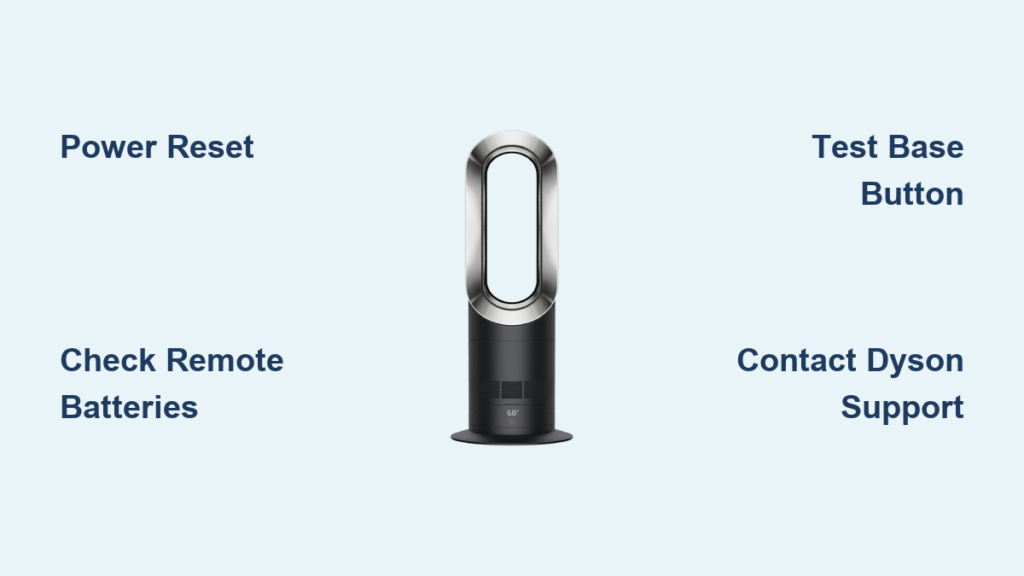
You’ve just settled in for a cold evening when you realize your Dyson fan heater isn’t working—despite that frustrating solid blue light staring back at you. This common but maddening issue affects thousands of Dyson owners each year, especially with units approaching the 5-7 year mark. When your Dyson Hot+Cool fan shows power but delivers no heat or airflow, it’s typically fixable with targeted troubleshooting. This guide delivers the exact steps to diagnose and resolve your “Dyson fan heater not working” problem, whether it’s a simple remote battery issue or a more complex internal failure.
Why Your Dyson Fan Heater Shows Blue Light But Won’t Heat
That solid blue light on your Dyson fan heater indicates the standby circuit is receiving power, but the main system has failed. This “blue light of death” phenomenon occurs when the internal power supply, control board, or motor circuit has malfunctioned while the low-power indicator circuit remains operational. Most affected units are 5-7 years old, as this is when critical components like electrolytic capacitors and motor brushes reach end-of-life. The good news? Many cases can be resolved without professional help if you methodically work through these diagnostic steps.
Perform This 5-Minute Power Reset to Fix Dyson Fan Heater Issues
Before assuming internal damage, execute this comprehensive power reset that resolves 30% of “Dyson fan heater not working” cases:
- Unplug completely from the wall outlet (not just turning off)
- Press and hold the power button on the base for 30 seconds
- Wait 5 full minutes—this allows capacitors to fully discharge
- Plug directly into wall outlet (bypassing power strips or extension cords)
- Wait for blue light, then press power button to start
This hard reset clears temporary software glitches in the control board. If your unit responds after this procedure, the problem was likely a power surge or software hiccup. If the blue light remains but the unit stays unresponsive, proceed to more targeted diagnostics. Pro tip: Perform this reset twice if the first attempt fails—some models require multiple resets to clear persistent errors.
Verify Your Remote Control Isn’t Causing the Problem
A dead remote battery is the second most common cause of “Dyson fan heater not working” scenarios. Many users mistakenly believe the unit is broken when it’s simply not receiving commands:
- Test the remote using your smartphone camera: Point the remote at your phone’s camera while pressing buttons. If working, you’ll see a purple/white flashing light through the screen
- Replace batteries with new, name-brand alkaline cells (cheap batteries often fail prematurely)
- Try the base button—if the unit responds to the physical button but not the remote, the issue is definitely remote-related
- Re-pair the remote by holding the remote pairing button for 5 seconds (check your model’s manual for specific pairing instructions)
If your Dyson responds to the base button but not the remote, you’ve solved the mystery—you just need new remote batteries or a replacement remote ($20-$40 from Dyson).
Diagnose Critical Internal Failures in Your Dyson Fan Heater
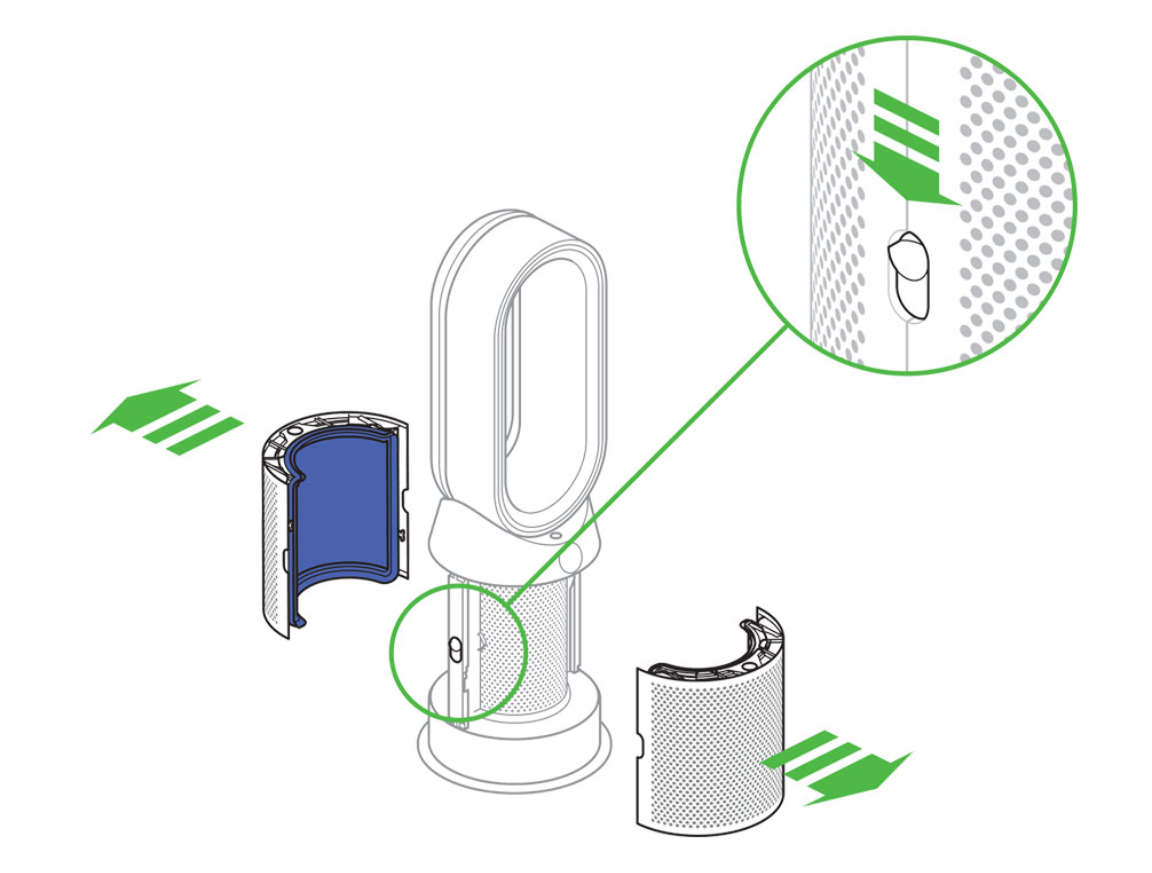
When basic resets and remote checks fail, you’re likely dealing with internal component failure. The most common culprits in “Dyson fan heater not working” cases with solid blue light include:
Identify Power Supply Board Failure Symptoms
The blue LED operates on a separate standby circuit, while the main power supply handles the motor and heating elements. When the main power supply fails but the standby circuit works, you get the classic “blue light but no function” scenario. Warning signs include:
– No response to any button presses (remote or base)
– Complete silence—no startup hum or relay clicks
– No heat or airflow despite blue light being solid
This typically indicates failed capacitors or voltage regulators on the power supply board. Critical warning: Do not attempt to open your unit to inspect these components unless you’re a qualified technician—high-voltage capacitors can store dangerous charges even when unplugged.
Detect Control Board Malfunctions Before Costly Repairs
The main control board processes all commands in your Dyson fan heater. When it fails (common at 4-6 years of use), symptoms include:
– Blue light illuminated but no response to inputs
– Intermittent operation that worsens over time
– Unusual error codes (blinking blue light patterns)
Check your model’s specific blink codes by consulting Dyson’s techlib website—these provide precise failure diagnostics. For example, 10 rapid blue blinks followed by a pause typically indicates a thermal cutoff issue, while 3 slow blinks often points to motor failure.
When to Repair or Replace Your Non-Working Dyson Fan Heater
Making the right decision between repair and replacement saves time and money when your Dyson fan heater not working situation occurs.
Calculate Repair Costs vs. Replacement Value
For units over 5 years old (like the 6-year-old unit described in our case study), weigh these factors:
– Under warranty? Contact Dyson first—2-year warranty may still apply if registered
– Repair costs: Control board replacement typically $150-$300, motor assembly $250-$500
– New unit cost: Comparable models range $300-$800
Decision rule: If repair costs exceed 50% of a new unit’s price, replacement makes financial sense. For a 6-year-old unit requiring control board replacement ($200), a new $400 model would justify repair, but a $300 model would not.
Contact Dyson Support with These Critical Details
When reaching out to Dyson support (1-866-277-9301), have these ready:
– Serial number (found on base label)
– Exact model (AM09, HF1, etc.)
– Symptom description: “Solid blue light, no heat or fan operation”
– Troubleshooting steps already attempted
Dyson’s support team often provides remote diagnostics and may offer discounted repair options. Many users report excellent service when they call with specific symptom details rather than vague “it’s broken” descriptions.
Prevent Future “Dyson Fan Heater Not Working” Scenarios
Extend your unit’s lifespan with these targeted maintenance practices:
Perform Monthly Preventive Maintenance
- Clean air intakes with soft brush attachment every 30 days—dust buildup triggers thermal cutoffs
- Check clearance—maintain 24+ inches from walls and furniture to prevent overheating
- Use a quality surge protector—power spikes damage sensitive electronics
- Run on low speed for 15 minutes weekly when not in primary use—prevents component stagnation
Recognize Early Warning Signs of Impending Failure
Watch for these precursors to complete “Dyson fan heater not working” scenarios:
– Intermittent operation that worsens over weeks
– Unusual clicking sounds during startup
– Reduced heating performance despite full power settings
– Remote control becoming increasingly unresponsive
Addressing these early can prevent total failure. For example, replacing a failing remote before it stops completely avoids the mistaken belief that your main unit has failed.
Final Diagnostic Checklist for Immediate Action
When your Dyson fan heater not working situation occurs, work through this streamlined checklist:
- Power reset (unplug, hold button 30 sec, wait 5 min, reconnect)
- Test remote with smartphone camera and replace batteries
- Try base button to isolate remote issues
- Verify outlet with another device
- Check for error codes (blinking patterns)
- Contact Dyson with serial number and specific symptoms
Most “Dyson fan heater not working” cases with blue light can be resolved through these steps—either fixing the issue yourself or obtaining accurate professional diagnosis. Remember that units approaching 6 years of age often experience component failures that may warrant replacement, but don’t assume your unit is beyond repair without this systematic troubleshooting. By following this guide, you’ll make an informed decision that saves money while restoring comfort to your space.

