
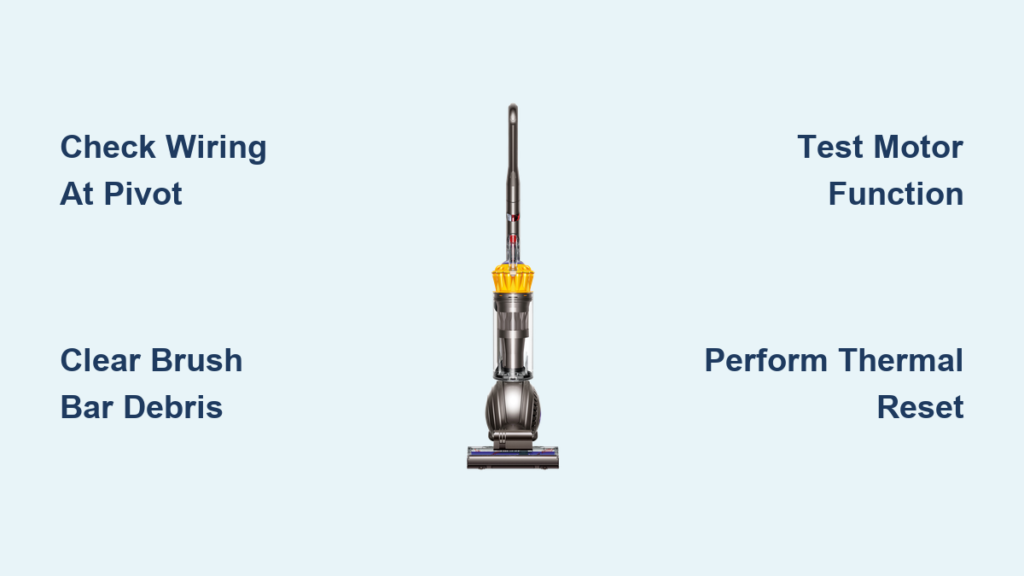
When your Dyson UP13 brush not spinning, your vacuum suddenly becomes almost useless for deep carpet cleaning. That frustrating moment when you realize the brush roll has stopped rotating—leaving pet hair and debris untouched despite the motor running—is all too common for UP13 owners. The good news? Most dyson up13 brush not spinning issues can be diagnosed and fixed in under an hour with basic tools. This guide reveals the exact steps to identify whether you’re dealing with broken wiring, stripped gears, or a simple reset issue—so you can get your vacuum back to peak performance without unnecessary repair costs.
Pinpoint Your Dyson UP13 Brush Roll Failure Type
Before disassembling your vacuum, correctly identifying the failure type saves hours of wasted effort. Your UP13’s non-spinning brush bar typically falls into one of three categories: electrical wiring failure (most common), mechanical gear damage, or a simple reset needed. Power on your vacuum with the handle fully lowered in floor-cleaning position. Do you hear a distinct motor hum but no brush rotation? That points to stripped gears or a broken drive mechanism. Complete silence suggests wiring issues or a failed motor circuit. Intermittent spinning often indicates damaged wires making partial contact as you maneuver the vacuum.
Critical Safety Measures Before Repairing Your UP13
Ignoring proper safety precautions when working on your Dyson UP13 could result in electrical shock or further damage to your vacuum. These steps aren’t optional—they’re essential for a successful repair.
Unplug and Power Down Your Vacuum Completely
Never assume turning off the power switch is sufficient. Physically unplug your Dyson UP13 from the wall outlet before beginning any inspection. The wiring harness contains live electrical components that can deliver a shock even when the vacuum appears off. For added safety, remove the battery if your model has a cordless version. This simple step prevents accidental activation during repair and protects both you and the vacuum’s delicate circuitry.
Prepare Your Essential Repair Toolkit
Gather these specific tools before starting:
– T15 Torx security screwdriver (most common for UP13 housing)
– Precision wire strippers and crimp connectors
– Multimeter for continuity testing
– Heat shrink tubing (not electrical tape for lasting repairs)
– Small container for screws (they disappear easily)
– Needle-nose pliers for wire manipulation
Having these tools ready prevents mid-repair frustration and ensures you can properly address the most common dyson up13 brush not spinning issue: broken wiring at pivot points.
Step-by-Step UP13 Brush Roll Repair Protocol
Step 1: Eliminate Simple Causes First (5-Minute Check)
Before diving into complex repairs, verify these common oversights:
– Ensure the handle is fully lowered to activate the brush roll circuit
– Check that the cleaner head is properly locked into the wand
– Confirm no visible debris is jamming the brush bar ends
– Listen carefully for motor hum with the vacuum running
If you hear the motor but the brush doesn’t spin, you’re likely dealing with gear failure. Complete silence points directly to wiring issues. This quick diagnostic saves you from unnecessary disassembly and focuses your efforts where they’ll be most effective for fixing your dyson up13 brush not spinning problem.
Step 2: Thoroughly Inspect for Brush Bar Obstructions

Turn your UP13 upside down and manually rotate the brush bar. It should spin freely with minimal resistance. If it binds or won’t turn, carefully cut away hair, string, or carpet fibers wrapped around both ends using scissors or a seam ripper. Pay special attention to the plastic end caps where debris accumulates. After clearing visible obstructions, try spinning the brush again. If it still doesn’t rotate freely, the problem lies inside the gearbox—likely stripped plastic gears that can no longer transfer power from the motor shaft.
Step 3: Diagnose and Repair the Wiring Harness (Most Common Fix)
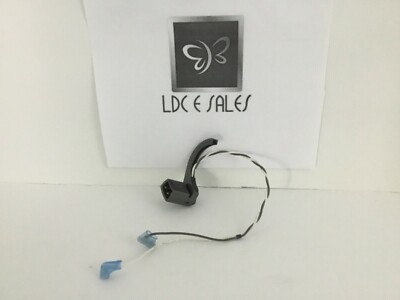
Over 70% of dyson up13 brush not spinning cases stem from broken wires at the ball pivot point. Here’s how to confirm and fix this prevalent issue:
- Remove the left housing panel using your T15 Torx screwdriver
- Locate the blue and yellow motor wires running through the rubber grommet at the ball pivot
- Gently flex the handle while watching these wires for breaks or exposed copper
- Use your multimeter in continuity mode to test each wire from motor to control board
If you find broken wires (common at the rubber grommet where wires bend repeatedly), repair them properly:
– Cut out the damaged section
– Strip 1/4 inch of insulation from both ends
– Connect with crimp connectors (not twisting wires)
– Seal each connection with heat shrink tubing
– Add strain relief with zip ties at the pivot point
Pro Tip: Replace the entire wiring loom (Dyson part #907280-03) if multiple breaks exist—this “Loom BB Over Current” part solves recurring wiring issues permanently.
Step 4: Test Motor Function and Gear Engagement
If wiring checks out, test the motor directly:
– Disconnect the motor wires from the harness
– Apply 12V power directly to the motor terminals (a 9V battery works for testing)
– If the motor spins, your issue is mechanical (gears or drive coupling)
– If no spin, the motor has failed and needs replacement
Inspect the plastic female gears on the brush bar ends for stripped teeth or excessive wear. The male motor shaft should fit snugly in these gears—if it spins freely inside them, the gears are worn out and require replacement. This direct-drive system (no belt) means gear failure directly causes your dyson up13 brush not spinning symptom.
Step 5: Perform Critical Motor Reset Procedures
Many UP13 owners overlook this simple fix before disassembling their vacuum. Dyson motors have built-in thermal protection that cuts power when overheated from jams:
- Unplug your UP13 completely
- Wait at least 60 minutes (per Dyson specifications)
- Press and hold the power switch for 5 seconds to reset circuitry
- Test brush function with handle fully lowered
This thermal reset procedure solves temporary brush roll failures caused by overheating—no tools required. If the brush spins after resetting, implement regular maintenance to prevent future jams that trigger this safety feature.
When Replacement Parts Become Necessary
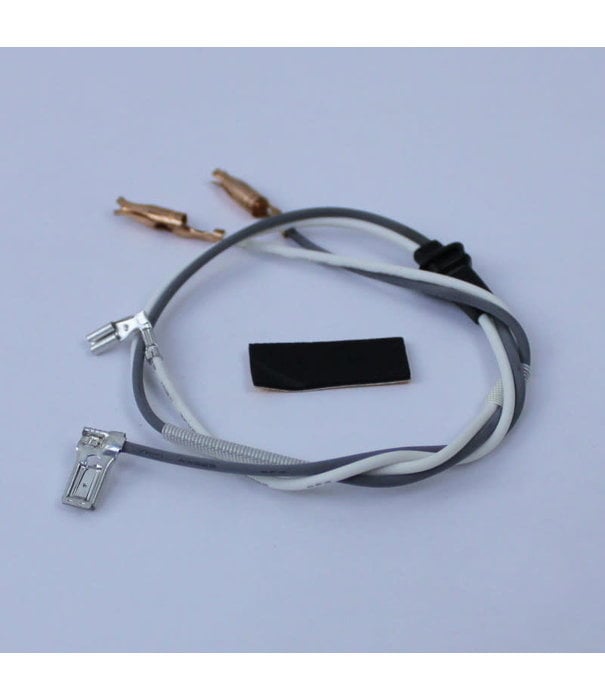
For persistent dyson up13 brush not spinning issues beyond simple fixes, consider these targeted part replacements:
- Wiring Harness: Replace with genuine Dyson Loom BB (part #907280-03) for $25-$45
- Gear Assembly: Install new plastic gears if stripped ($15-$30)
- Complete Motor Unit: Swap entire motor/gearbox assembly ($80-$120)
- Full Cleaner Head: Most comprehensive solution ($150-$200)
Replacing just the wiring harness takes 20 minutes for most DIYers, while motor or gear replacement requires careful reassembly of the cleaner head. Always test functionality before final reassembly—connect power and verify brush rotation with the housing partially open.
Prevent Future Brush Roll Failures With These Maintenance Habits
Avoid recurring dyson up13 brush not spinning problems with these professional maintenance techniques:
- Weekly: Remove hair and debris from brush bar ends after pet grooming days
- Monthly: Inspect wiring at pivot points for early signs of wear
- Quarterly: Apply light lubricant to gear ends and bearings
- Biannually: Check wire strain relief and reinforce weak points
Critical Prevention Tip: When clearing jams, never force the brush bar—this stresses gears and wiring. Instead, cut debris away and use the thermal reset procedure. For homes with pets or long hair, implement a weekly brush bar inspection routine to catch problems before they leave your vacuum unable to spin the brush.
By following this targeted diagnostic approach, you’ve likely solved your dyson up13 brush not spinning issue without expensive professional repairs. Remember that wiring failures at the ball pivot cause most UP13 brush roll problems, so always inspect those blue and yellow wires first. When regular maintenance becomes part of your cleaning routine, you’ll extend your vacuum’s life significantly and avoid the frustration of a non-spinning brush when you need deep carpet cleaning most. If your repair succeeds but issues return within weeks, consider replacing the entire wiring loom with a reinforced version to prevent the repetitive flexing damage that plagues Dyson ball models.

