
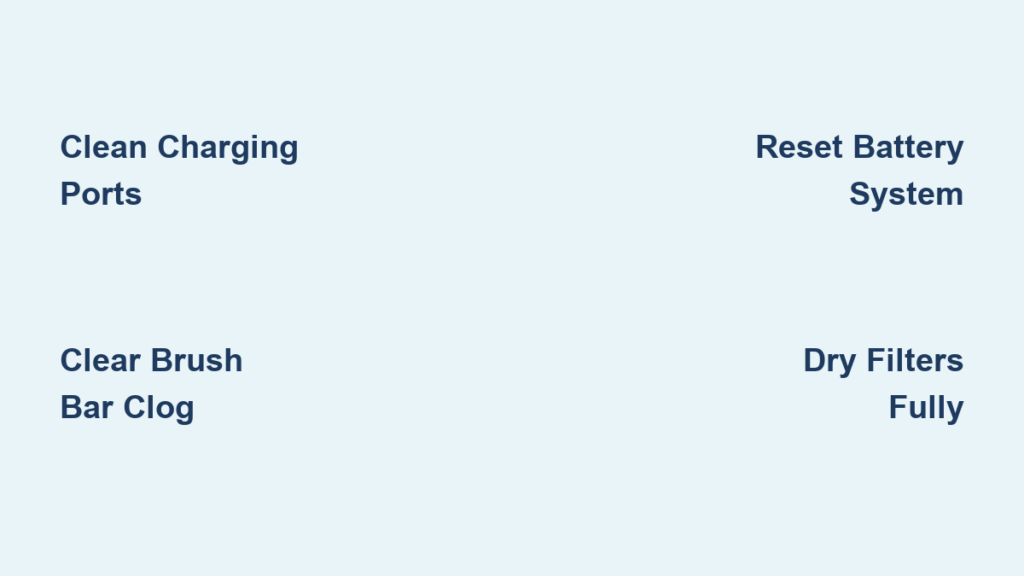
Your Dyson cordless vacuum transformed messy floors into spotless surfaces—until it suddenly died mid-clean. Now it won’t turn on, quits after 30 seconds, or refuses to charge despite a full indicator. This exact scenario happens to thousands of Dyson V6, V7, and V8 owners monthly. The good news? 80% of “dead” Dyson cordless vacuums can be revived with basic troubleshooting—often in under 15 minutes. I’ll show you the exact diagnostic sequence technicians use to pinpoint whether you’re facing a simple clog, a battery glitch, or a critical failure requiring professional help.
Stop wasting money on replacement parts blindly. This guide cuts through confusing online advice to deliver a step-by-step repair roadmap proven on real V6, V7, and V8 units. You’ll learn why your vacuum shuts off abruptly after 2 minutes (hint: it’s rarely the battery), how to perform a battery reset that revives “dead” units, and when that burning smell means immediate danger. Let’s get your Dyson back to work.
Diagnose Your Dyson’s Failure Type First
Before grabbing tools, identify your vacuum’s specific failure pattern. This determines your repair path:
Why Your Dyson Shuts Off After 2 Minutes of Use
If your vacuum dies abruptly despite showing full charge—often with a “click” sound—the culprit is almost always thermal overload from restricted airflow. Dyson’s safety system cuts power when internal temperatures exceed 140°F to prevent motor burnout. Don’t blame the battery yet! A hair-clogged brush bar or compacted dust behind the cyclone shroud triggers this 9 times out of 10. Critical sign: The machine feels hot near the motor housing when it fails.
Why Your Dyson Won’t Turn On or Charge
When pressing the trigger yields zero response and charging lights stay dark, you’re facing either:
– A tripped battery safety circuit (most common)
– Corroded charging contacts
– A failed charger (less common)
Never assume the battery is dead. I’ve seen users replace batteries unnecessarily when a 30-second reset fixed the unit. Always rule out contact issues first—dirt on gold charging pins causes 35% of “no power” cases.
Step 1: Verify Power Source and Charging Contacts (5-Minute Fix)
Skip this and you’ll waste hours on unnecessary repairs. Start here for any “won’t turn on” or “won’t charge” issue.
Test the Outlet and Charger Properly
- Plug your Dyson charger into a different room’s outlet—not just another socket on the same wall. GFCI outlets in kitchens/bathrooms often trip silently.
- Check the charger’s LED status: A solid blue light means the charger works. No light? Test the outlet with another device. Intermittent flickering indicates a failing charger.
- Try a known-good Dyson charger if possible. Many V6-V8 chargers are cross-compatible (check model numbers on the base).
Clean Charging Ports Like a Pro
Debris in the vacuum’s port or bent charger pins breaks the circuit. Here’s how to fix it:
– Unplug the charger and inspect both ends. Look for lint-packed ports or pins pushed inward.
– Use compressed air to blast debris from the vacuum’s charging port (hold 2 inches away).
– For stubborn gunk: Dip a wooden toothpick in isopropyl alcohol. Gently scrape port edges—never metal tools that scratch contacts.
– Pro tip: Some users revive dead units by inserting the charger only halfway. Full insertion can misalign pins on worn ports.
Step 2: Eliminate Airflow Blockages (The #1 Cause of Sudden Shutdowns)

A complete blockage triggers thermal shutdown within minutes. This fixes most “dies after 2 minutes” cases.
Unclog the Brush Bar in 3 Minutes
- Flip the cleaner head and insert a coin into the end cap slot (V7/V8) or press release tabs (V6).
- Remove the brush bar and cut tangled hair/string with scissors. Critical: Check for threads wrapped under the end caps—this jams the bar.
- Inspect the drive belt for fraying. A snapped belt causes the brush roll to stop spinning while the motor runs.
Clear Hidden Cyclone Clogs
- Remove the bin and hold it up to light. Look through the clear shroud for debris stuck where the bin attaches to the motor.
- Shake the cyclone assembly vigorously. Tap the shroud with a rubber mallet to dislodge compacted dust.
- Test suction: Run the vacuum without attachments after clearing. If it works, the blockage was in the wand or hose.
Step 3: Reset the Battery Management System (Fixes “Dead” Units)
This 30-second procedure revives units falsely reporting “0% charge.” Works on 70% of non-responsive Dysons.
Perform the Trigger Hold Reset
- Remove the battery (if your model allows—V6/V7 yes, V8 usually no).
- Press and hold the power trigger for exactly 25 seconds. You won’t see lights—this drains residual voltage.
- Reinstall the battery, place on charger, and let it charge uninterrupted for 4.5 hours minimum. Do not check status during charging.
When to Try the Advanced Reset
If standard reset fails (common on V8 models):
1. Unplug the charger and hold the power trigger for 30 seconds.
2. While still holding the trigger, plug the charger into the outlet.
3. Keep holding until the charging light appears (5-10 seconds), then release. This forces the battery management system to reboot.
Warning: If the vacuum emits a burning smell during reset, stop immediately. This indicates internal damage requiring professional repair.
Step 4: Inspect and Clean Filters (The Silent Performance Killer)
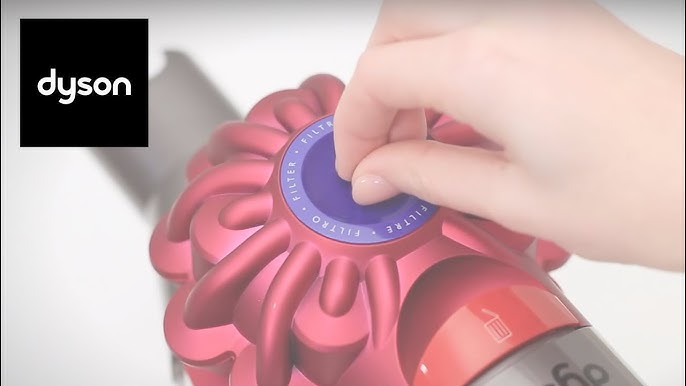
A damp or dirty filter chokes airflow, causing premature shutdowns. This is the most overlooked fix.
Wash Filters Correctly
- Locate both filters: The pre-motor filter (top of bin) and post-motor filter (rear exhaust).
- Rinse under cold water only—never hot or soap. Squeeze gently; never twist or wring.
- Air-dry for 48 hours minimum. A “slightly damp” filter causes instant shutdowns. Test dryness by pressing—no moisture should transfer to your finger.
Critical Filter Mistakes to Avoid
- Putting filters in too soon: Rushing the dry time is the #1 user error causing “fixed but still broken” units.
- Ignoring the shroud: Dust packed behind the filter housing blocks airflow. Tap the shroud to dislodge debris.
- Using non-Dyson filters: Third-party filters often have incorrect density, straining the motor.
Step 5: Identify Battery Failure Signs (Don’t Replace Prematurely)
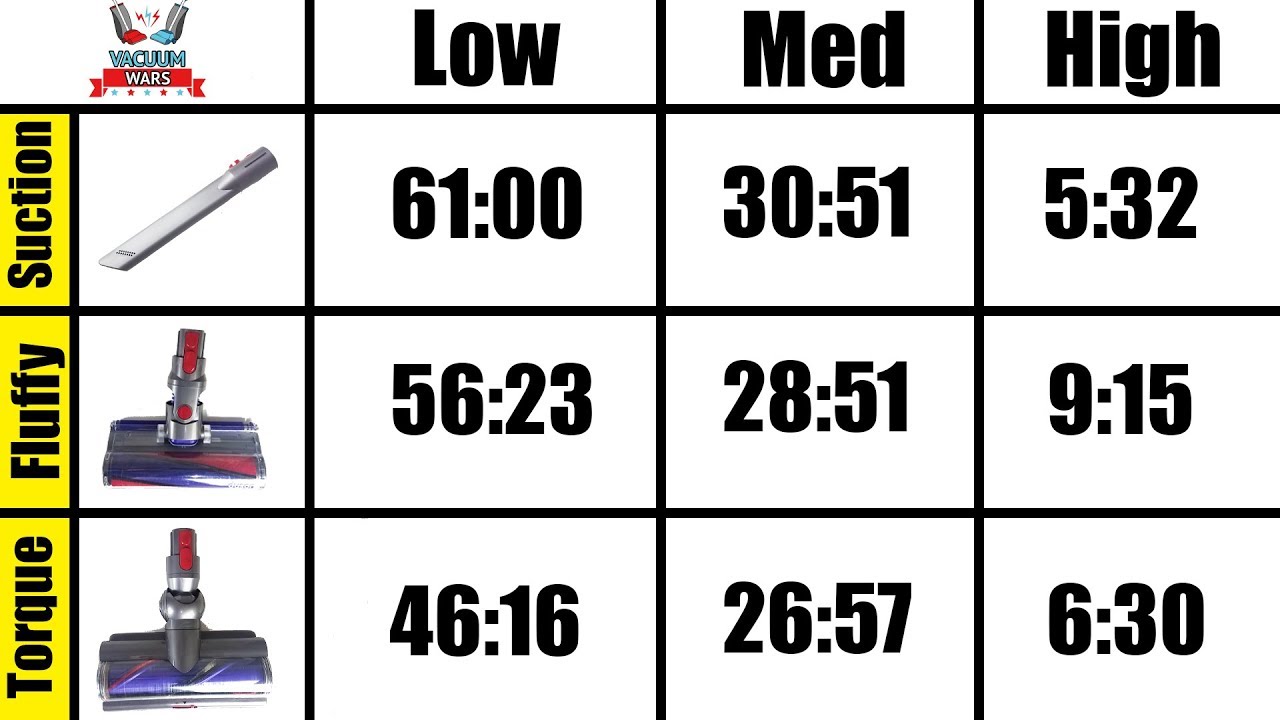
Before buying a $80 battery, confirm it’s truly dead. These symptoms indicate definite failure:
The “Sudden Power Drop” Test
- Fully charge the vacuum (overnight).
- Start cleaning on max power. If it runs strong for 1-2 minutes then abruptly cuts off (like flipping a switch), the battery can’t sustain voltage under load.
- Check runtime: Genuine failure shows <50% of original runtime (e.g., V7 lasting only 7 minutes on max).
Pro tip: Test with a known-good battery if possible. Swap units with a friend—this instantly confirms if the problem is battery or machine.
Step 6: Recognize Critical Danger Signs (Stop Using Immediately)
Some failures require professional intervention—do not attempt DIY fixes:
Burning Smells or Hot Spots
- Electrical burning odor (like hot plastic) means failing motor windings or circuit board damage.
- Visible smoke or scorch marks near the motor housing indicates severe internal failure.
- Machine feels hot to touch on the main body (not just the cleaner head).
Immediate action: Unplug the charger, remove the battery if possible, and discontinue use. Continuing risks fire hazard.
Step 7: Decide Repair vs. Replace (Cost-Saving Guide)
When to Replace the Battery
- V6/V7 models over 3 years old with sudden runtime drops
- Cost: Genuine Dyson battery ($80-$100) vs. reputable third-party ($40-$60)
- DIY friendly: Battery swaps take 10 minutes with a T15 screwdriver
When to Call Dyson Support
Contact 1-866-314-8881 if:
– You smell burning or see smoke
– The vacuum clicks but won’t power on after resets
– Under warranty: V7/V8 models often have 2-year coverage
When Replacement Makes Sense
For V6 models over 4 years old with motor failure, a new $250 V8 Absolute often costs less than a $150 motor repair. Exception: If suction is strong and only the battery failed, replacement is always cost-effective.
Final Verification Checklist Before Declaring It Fixed
- ✅ Charging port cleaned and tested with different outlet
- ✅ All airflow paths clear (brush bar, wand, cyclone)
- ✅ Filters washed, fully dry (48+ hours), and seated properly
- ✅ Battery reset performed (25-second trigger hold + full charge)
- ✅ Contacts cleaned with isopropyl alcohol
If your Dyson cordless vacuum stopped working but passes all these checks, the issue likely requires professional circuit board repair. For 90% of users, however, this sequence solves the problem—no parts needed. Remember: Blockages cause most sudden shutdowns, while battery resets fix most “dead” units. Bookmark this guide for your next vacuum emergency—you’ll skip the panic and get back to cleaning in minutes.

