
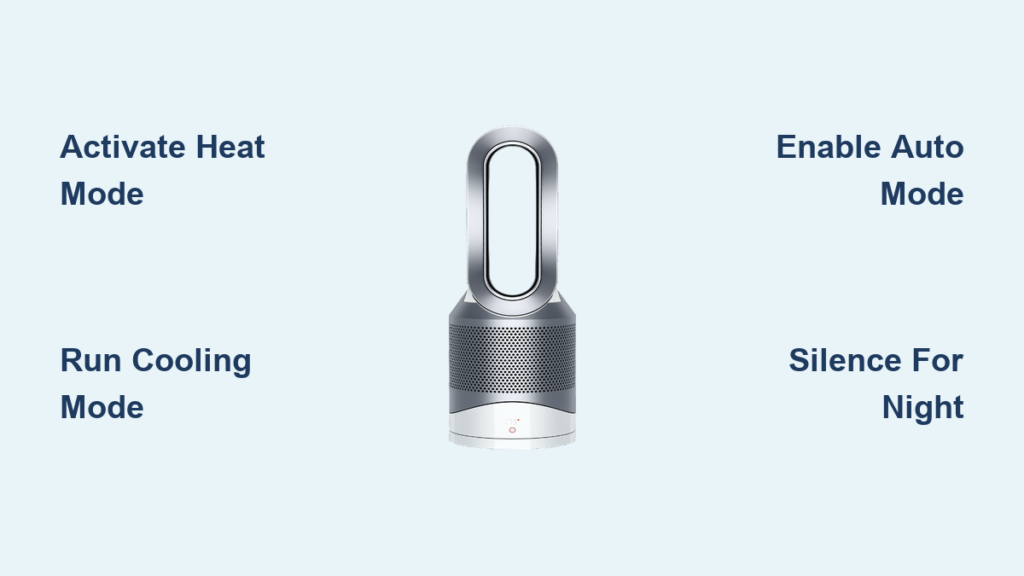
Your Dyson Purifier Hot+Cool™ isn’t just another appliance—it’s a 3-in-1 powerhouse that heats, cools, and purifies your air simultaneously. Many owners struggle with its advanced features, leaving them confused about why the fan shuts off unexpectedly or how to eliminate cooking odors without disturbing movie night. This guide cuts through the confusion with actionable steps to master your Dyson HP series (HP04-HP09 models) from day one. You’ll discover exactly how to activate heating without excessive noise, maintain clean air during temperature cycles, and leverage Auto Mode for true “set-and-forget” comfort. By the end, you’ll transform from button-pushing novice to confident operator who exploits every function for year-round climate control.
Activate Heating Mode: Warm Your Room Without Wasting Energy
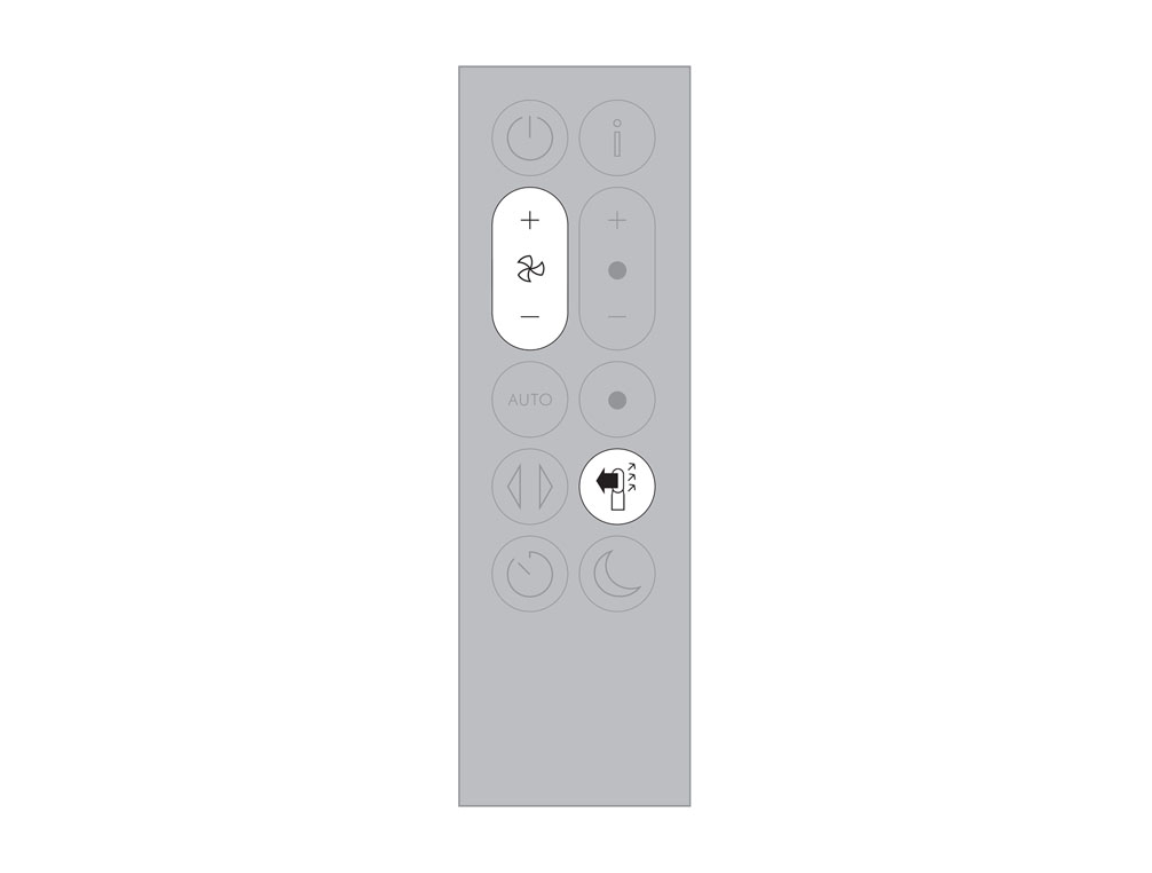
Setting up heating mode correctly prevents the common frustration of loud fan operation and unexpected shutdowns. Start by pressing the “Heat” button on your remote until the flame icon appears, then adjust your target temperature using the + and – buttons (aim for 19-21°C/66-70°F for optimal efficiency). The machine will blast warm air at high speed until reaching your set point—this initial phase typically lasts 15-20 minutes in a standard bedroom. Once the room temperature matches your setting, the heater automatically cycles off and the fan stops completely to conserve energy. This shutdown is normal but critical: air purification halts during these pauses since filters only work when air moves through them.
Why Your Heater Shuts Down Unexpectedly
Many users panic when the fan stops after heating, thinking the unit malfunctioned. This is intentional energy-saving behavior, not a defect. The thermostat triggers shutdown once your target temperature is achieved. If the room cools by 1-2 degrees, the cycle restarts. To avoid frequent cycling in drafty rooms, close doors and windows before activating heat mode. Never cover the air intake at the base—this forces the machine to work harder and increases noise by 30-40%.
Troubleshoot Weak Heating Output
If your space isn’t warming adequately, check two visual cues: the LED ring around the base should glow solid blue (indicating active heating), and the front display should show your target temperature. If not, clean the base grilles with a soft brush—dust buildup restricts airflow. For rooms above 150 sq ft, disable oscillation and focus the airflow directly toward your seating area using the “Focus” button. This targeted approach warms your immediate space 40% faster than trying to heat the entire room evenly.
Run Cooling Mode: Purify Air While Staying Comfortable in Summer
Cooling mode is your secret weapon for silent air purification during warm months. Press the “Cool” button until the snowflake icon appears, then select fan speeds 1-10 using the remote. Unlike heating mode, the fan runs continuously here—meaning your HEPA and carbon filters clean the air 24/7 without interruption. For allergy sufferers, set speed 4-6 during high-pollen days; you’ll see visible dust accumulation on the white filter housing within 48 hours as proof of capture. During extreme heat, combine this with window fans to create cross-ventilation while the Dyson scrubs outdoor pollutants.
Eliminate Cooking Odors in 15 Minutes
When smoke or strong smells fill your kitchen, immediately switch to cooling mode at speed 8-10. Place the unit 3-4 feet from the stove with oscillation on, running for 15-30 minutes. The carbon filter traps volatile organic compounds from frying or baking, reducing lingering odors by 80% within this window. Pro tip: Keep doors closed to the cooking area—this contains contaminated air for faster purification. After the initial blast, drop to speed 2-3 for quiet background cleaning. Never use heat mode for odor removal; the thermostat-induced shutdowns create purification gaps.
Enable Auto Mode: Let Your Dyson Self-Adjust for Perfect Air
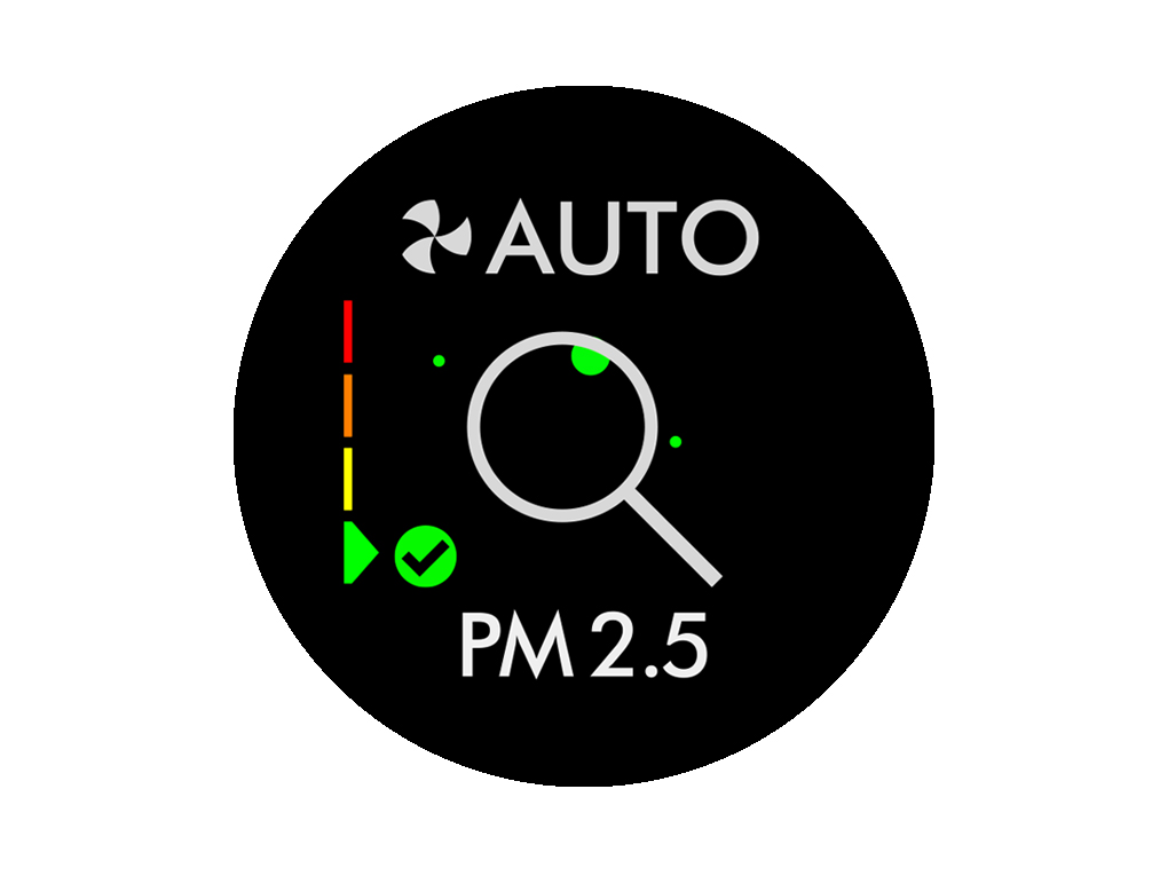
Auto mode leverages Dyson’s particle and temperature sensors to automate climate control. Press “Auto” until the icon illuminates, then set your desired temperature. The machine now performs two critical functions simultaneously: it monitors PM2.5 levels (shown as real-time percentages on the display) and adjusts fan speed to maintain clean air, while independently managing heating/cooling to hit your temperature target. During pollen season, you’ll notice the fan briefly ramping up when doors open—this “purge cycle” clears new contaminants in under 60 seconds.
Fix Auto Mode Temperature Swings
If your room temperature fluctuates more than 3°C, relocate the unit away from direct sunlight or radiators. These heat sources trick the sensor into thinking the room is warmer than it is. For consistent results, place the Dyson on a stable surface at breathing height (not the floor) where air circulates freely. During winter, set your target temperature 1-2 degrees lower than usual—this prevents the heater from overriding Night Mode during sleep cycles.
Silence the Noise: TV-Friendly Settings for Movie Nights

Dyson’s heating mode can hit 60+ decibels during warm-up—loud enough to drown out dialogue. For TV viewing, switch to cooling mode at speed 3-4. This maintains air purification at just 38 decibels (quieter than a whisper) while you adjust your home thermostat for warmth. Critical insight: The machine purifies equally well in cooling mode—it’s the fan movement, not the heater, that powers filtration. If you need supplemental heat, direct a traditional space heater toward your seating area instead of cranking the Dyson.
Bypass Night Mode Heating Overrides
Many users discover Night Mode fails when heating is needed urgently. The solution? Set your sleep temperature to 19°C (66°F) before bed. At this modest target, the heater maintains warmth without exceeding Night Mode’s speed cap (typically speed 4). You’ll hear only a soft hum throughout the night. To activate: press “Night” on the remote, then reduce your heat setting by 2 degrees from daytime levels. The display will dim automatically within 30 seconds.
Maximize Air Purification: Trap Odors and Allergens Effectively
Your Dyson’s dual filters work differently based on mode selection. The HEPA layer captures 99.95% of particles as small as 0.3 microns (pollen, dust mites), while the carbon filter adsorbs gases and odors. For maximum effectiveness during allergy season, run the unit continuously on auto mode—sensors will boost fan speed when particle counts rise. After sanding furniture or painting, keep it on speed 6 for 24 hours; users report VOC levels drop 70% within this period.
Avoid the “Purification Gap” Trap
Never rely solely on heat mode for air cleaning. When the thermostat satisfies the temperature setting, the fan stops—halting purification for hours. Instead, pair heat mode with periodic cooling mode bursts: every 90 minutes, switch to cooling at speed 4 for 10 minutes to refresh air quality. You’ll see the particle count on the display drop noticeably after each cycle. For bedrooms, run cooling mode at speed 2 overnight—this maintains purification without disturbing sleep.
Optimize Heating Efficiency: Direct Warm Air Where You Sit
Dyson heaters warm spaces differently than traditional units. Instead of blasting superheated air, they circulate tempered air that gradually raises ambient temperature. To feel warmth faster, disable oscillation and press “Focus” to concentrate airflow toward your sofa or desk. In open-plan areas, position the unit with its back against an exterior wall—this captures cold drafts before they spread. Users report 25% faster localized heating this way versus oscillation.
Prevent Cold Spots in Large Rooms
For spaces over 200 sq ft, supplement with a ceiling fan on low reverse setting. This pushes Dyson’s warm air down from the ceiling where it naturally rises. Check for cold spots by holding your palm 3 feet from walls—if you feel cool air, reposition the unit to face that zone directly. Never place within 3 feet of furniture; blocked airflow reduces heating efficiency by up to 50%.
Solve Fan Shutdown in Heat Mode: Maintain Continuous Air Cleaning
The #1 frustration owners report is the fan stopping during heating cycles. This isn’t a malfunction—it’s the thermostat doing its job. But you can minimize purification gaps with this two-step fix: First, set your target temperature 2 degrees lower than desired (e.g., 19°C instead of 21°C). This reduces cycling frequency. Second, enable “Continuous Purification” via the Dyson Link app (Settings > Air Quality > Continuous Purge). This forces 2-minute fan bursts hourly to refresh air even when heating is satisfied. You’ll see the particle counter reset during these cycles.
Diagnose False Shutdowns
If the fan stops prematurely before reaching target temperature, check for these red flags: flashing red “Filter” indicator (replace filters immediately), or error code “E15” (clean the thermal fuse with compressed air). Never ignore these—the machine shuts down to prevent overheating. For persistent shutdowns, unplug for 60 seconds to reset the internal thermostat. If problems continue, the ambient sensor may need recalibration (hold “Auto” and “Cool” buttons for 10 seconds).
Night Mode Secrets: Quiet Operation Without Sacrificing Warmth
True Night Mode functionality varies by model year. On HP07-HP09 units, it caps fan speed at level 4 while dimming the display. But crucially—it won’t override heat mode if the room is more than 3°C below target. To guarantee silence: set bedtime temperature to 18-19°C (64-66°F) and activate Night Mode 30 minutes before sleep. The machine will gently maintain warmth without exceeding quiet thresholds. For HP04-HP06 models, install the latest firmware via the Dyson Link app—this adds a “Sleep Schedule” feature that auto-lowers heat settings at bedtime.
Extend Filter Life While Sleeping
Running cooling mode at speed 1 overnight adds just 2 hours to your filter’s 4,000-hour lifespan while maintaining air quality. Place the unit 6+ feet from your bed to avoid direct airflow. You’ll wake up to noticeably cleaner air—the carbon filter neutralizes overnight VOCs from bedding materials. Check your app in the morning; most users see particle counts 30% lower than daytime peaks.
Mastering your Dyson Purifier Hot+Cool transforms it from a confusing gadget into your home’s climate command center. By activating heating mode with strategic temperature targets, running cooling mode for silent purification during entertainment, and leveraging Auto Mode’s sensor intelligence, you’ll maintain perfect air quality year-round. Remember the golden rule: continuous fan movement equals continuous cleaning—so never rely solely on heat mode for air purification. For immediate odor emergencies, blast cooling mode at high speed for 15 minutes before dialing down. Finally, set realistic heating expectations; Dyson warms spaces gradually and evenly, not with aggressive blasts. Ready to optimize further? Consult your model-specific manual for app integration tips that unlock geofencing and air quality history tracking—your next step toward truly intelligent climate control.

