
Is your Dyson V8 cutting out after just 5 minutes of cleaning? That frustrating mid-sweep shutdown usually means your lithium-ion battery has reached its end of life. Most Dyson V8 owners face this between 2-3 years of regular use as battery capacity degrades. The good news? How to remove Dyson V8 battery issues is a 15-minute DIY fix that restores full cleaning power. This guide walks you through safely extracting the old battery and installing a replacement—no special skills needed. You’ll learn exactly where those hidden screws live, how to disconnect the delicate wiring harness, and avoid the #1 mistake that causes post-replacement failures.
Critical Safety Steps Before Removing Your Dyson V8 Battery
Never attempt battery removal on a warm or damaged unit. Lithium-ion batteries can overheat if mishandled, creating fire risks. Start by powering off your vacuum completely—hold the trigger until all lights extinguish. Then let it sit unplugged for at least 30 minutes; a cool battery (room temperature) is essential for safe handling. While waiting, inspect the handle grip where the battery sits. If you see any of these danger signs, stop immediately:
– Swollen or bulging plastic casing
– Cracks in the battery housing
– Leaking fluids or chemical odors
– Burn marks near the charging port
Damaged batteries require professional disposal at an e-waste facility—never attempt removal yourself. If your battery appears intact, work on a non-flammable surface like concrete or metal, away from curtains or papers. Keep a fire extinguisher nearby as a precaution, and never pierce or bend the battery pack during removal.
Essential Tools for Dyson V8 Battery Replacement
You’ll need exactly three items for this repair:
1. Phillips #1 screwdriver (a #0 works for smaller screws—test fit before starting)
2. Small container for screws (a magnetic tray prevents rollaways)
3. Replacement battery specifically for Dyson V8 models (V7/V10/V11 batteries won’t fit)
Confirm compatibility by checking your vacuum’s model number on the original charger or under the dustbin. Genuine Dyson batteries cost $80-$120, but reputable third-party options (like EcoXcell or Wasable) offer 4000mAh units for $30-$50 with 12-month warranties. Avoid suspiciously cheap batteries lacking overcharge protection—they often communicate poorly with your V8’s circuit board, causing error codes. Pro tip: Many aftermarket kits include the correct screwdriver, so check packaging before hunting for tools.
Power Down and Position Your Vacuum Correctly
With your workspace prepped, lay the main vacuum body horizontally on a towel-lined table. Position it so the trigger handle faces upward and the charging port faces away from you. This orientation gives optimal access to the battery compartment screws while preventing accidental trigger activation. Press the power button firmly—if any lights illuminate, repeat the full power-off sequence until the unit is completely dormant. Gently shake the vacuum; if you hear internal rattling, stop and investigate loose parts before proceeding. A silent, stable unit is critical for safe disassembly.
Locate and Remove the Two Hidden Battery Screws
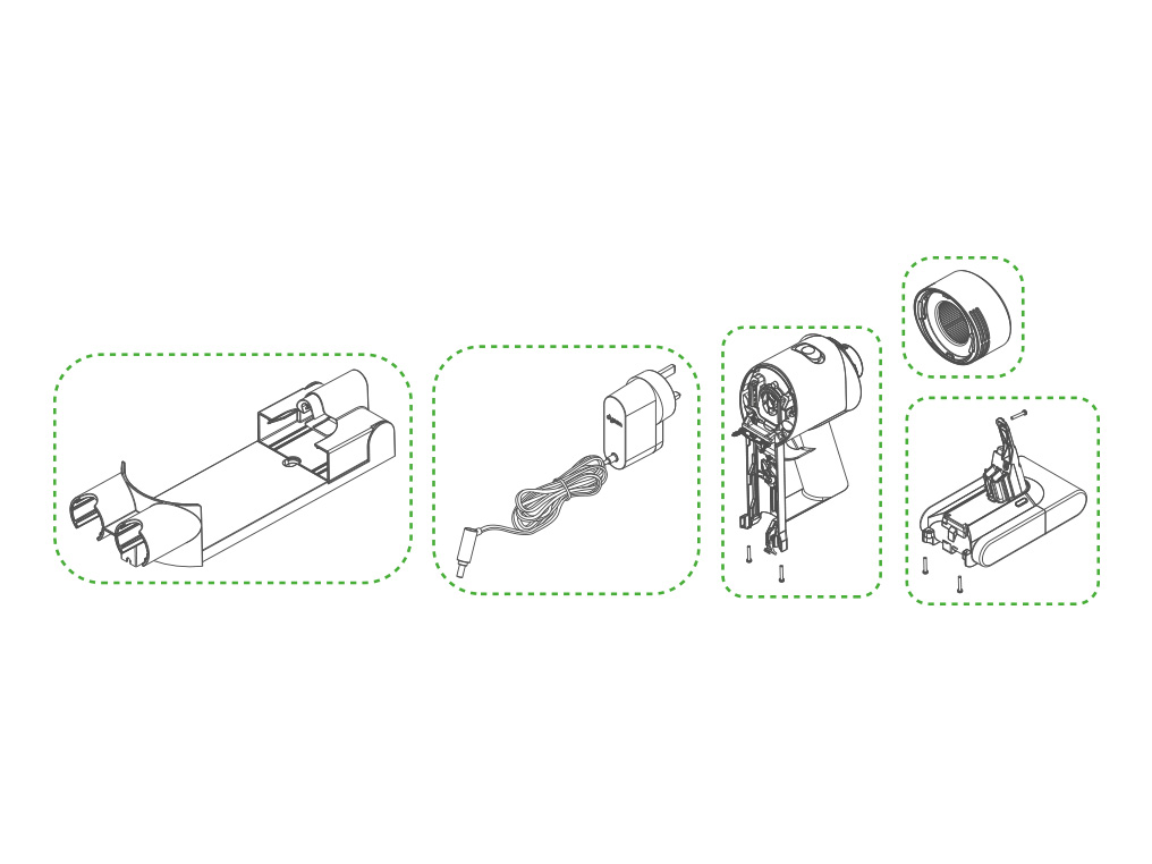
The Dyson V8 conceals its battery screws in deceptive locations. Here’s exactly where to find them:
– Screw #1: On the top rear of the handle, just below the power button (often hidden under a rubber grip strip)
– Screw #2: On the underside of the handle, near the wrist rest (may require rotating the vacuum)
Some V8 variants have a third micro-screw under a small rubber plug on the battery pack itself—peel back the plug near the charging contacts to check. Use firm, downward pressure with your Phillips screwdriver to avoid stripping these plastic-threaded fasteners. As each screw releases, you’ll hear a soft click. Collect all screws in your container immediately—they’re tiny and easily lost. If a screw resists, stop turning; forcing it will crack the housing. Instead, apply slight upward pressure while unscrewing to relieve thread binding.
Safely Disconnect the Battery Wiring Harness
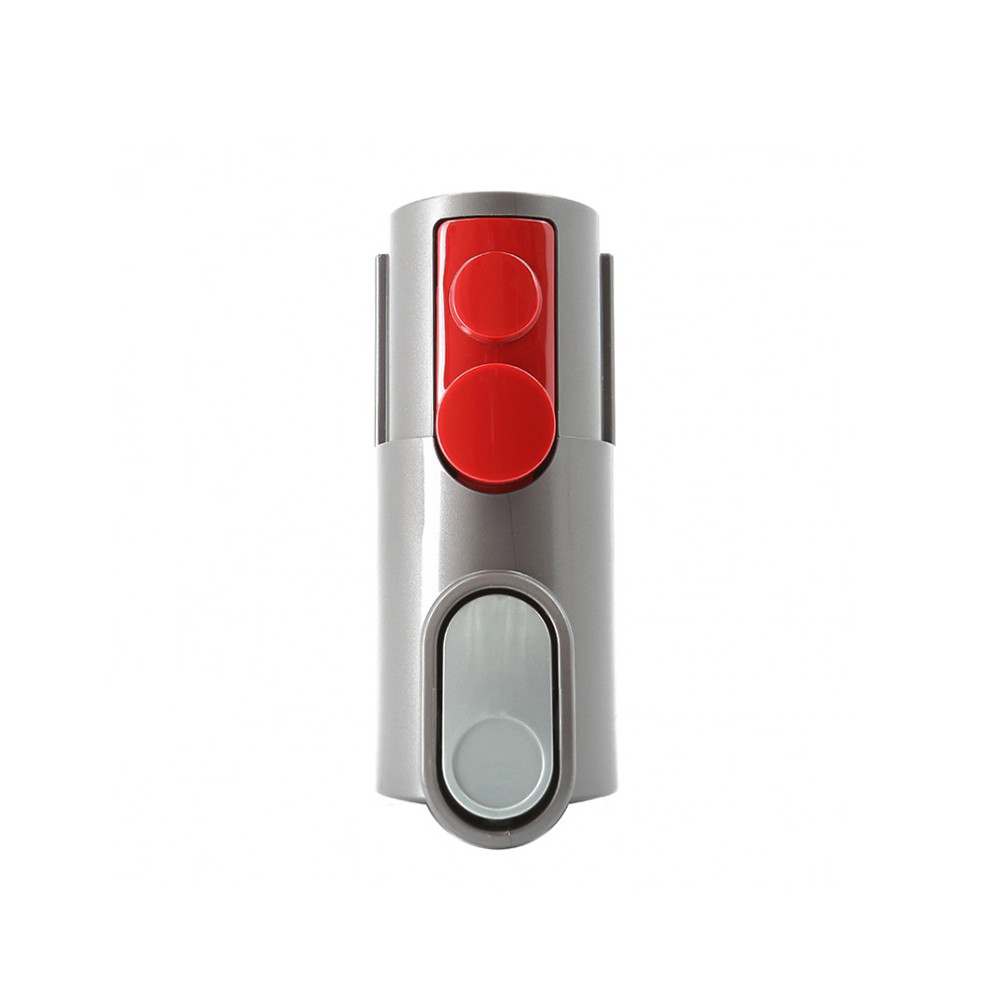
With screws removed, gently pry the battery housing apart using your thumbs along the seam. Do not force it—the plastic tabs are fragile. Once separated about 1/4 inch, you’ll see the wiring harness: two colored wires (red = positive, black = negative) connected to a white plastic clip. This is where 90% of DIY failures happen. Never pull the wires directly—instead:
1. Locate the clip’s release tab (a small plastic lever on the connector)
2. Insert a fingernail or plastic spudger under the tab
3. Gently wiggle side-to-side while applying light backward pressure
The connector should slide out smoothly. If it resists, check for hidden latches—some models require lifting the tab upward before pulling. Once disconnected, secure the loose wires with tape to prevent contact with metal surfaces. Set the old battery aside in a non-conductive container (like a cardboard box).
Remove the Old Battery and Install the Replacement
Lift the old battery straight out of the handle cavity. Note its orientation: the wiring harness exits toward the front (trigger end) of the vacuum. Before inserting the new battery, compare both units side-by-side. Verify:
– Identical connector shape and wire colors
– Matching battery voltage (21.6V) and capacity (3500mAh/4000mAh)
– Consistent physical dimensions (V8 batteries are 7.5″ x 2.2″)
Align the new battery’s wiring harness with the cavity, feeding it through the same channel as the old unit. Slide the battery in until it sits flush—never force it. If it won’t seat fully, recheck the wire routing; pinched cables cause short circuits. Only when perfectly aligned should you reconnect the wiring harness. Press the white clip firmly into place until you hear a distinct snap, confirming full engagement. Wiggle-test the connection—it shouldn’t move.
Reassemble and Test Your Vacuum Immediately
Reattach the battery housing by pressing along all edges until plastic tabs click into place. Insert screws hand-tight first, then give ¼ turn with the screwdriver—overtightening cracks the housing. Now test before full reassembly: Press the power trigger. The motor should start instantly with full suction. If not, disassemble and reseat the connector. Next, place the vacuum on its charger. The indicator light must illuminate within 10 seconds. Critical test: Time the runtime. A fresh battery delivers 40 minutes of continuous use—less indicates a defective unit or poor connection.
Clear Error Codes With a Dyson V8 Soft Reset
Even with perfect installation, your vacuum may display error lights due to residual data from the old battery. Fix this with a 10-second soft reset:
1. Place vacuum on charger (light should be glowing)
2. Press and hold the power trigger continuously
3. Maintain pressure for exactly 10 seconds (watch a timer)
4. Release trigger—the vacuum will reboot automatically
This clears the battery management system’s memory. If error codes persist (blinking red lights), remove the battery for 60 seconds, then repeat the reset. Never skip this step—Dyson’s circuitry often rejects new batteries without a reset.
Fix These 3 Common Post-Replacement Failures
Problem: Vacuum powers on but dies after 10 seconds
→ Cause: Loose wiring harness or partial connector seating
→ Fix: Disassemble and reseat the connector until it snaps audibly. Confirm no wires are pinched under the battery.
Problem: No power even after soft reset
→ Cause: Incorrect battery model or defective unit
→ Fix: Verify compatibility (V8 ONLY). Test with a second replacement battery if available—cheap third-party units fail frequently.
Problem: Charger light stays off
→ Cause: Faulty connection at the charging port
→ Fix: Clean the metal charging contacts on both vacuum and dock with a dry microfiber cloth. Check for bent pins inside the port.
Recycle Your Old Battery and Extend New Battery Life
Your spent battery must not go in household trash—it contains hazardous materials. Locate recycling via:
– Call2Recycle.org (US/Canada drop-off map)
– Best Buy or Home Depot e-waste bins
– Local municipal hazardous waste sites
For your new battery’s longevity:
– Avoid full discharges—recharge when runtime drops below 15 minutes
– Store at 50% charge if unused for weeks
– Never leave on charger beyond 24 hours
– Keep away from heat sources (cars, radiators)
With proper care, your replacement battery should deliver 2+ years of full-power cleaning. The first charge requires 4.5 hours for optimal calibration—use only the original Dyson charger. If runtime seems short initially, cycle the battery 3 times (full discharge/recharge) to activate all cells.
Final Note: Replacing your Dyson V8 battery takes less time than a coffee break but extends your vacuum’s life by years. By following these precise steps—especially the connector handling and soft reset—you’ll avoid most DIY pitfalls. Remember: when how to remove Dyson V8 battery tasks go wrong, it’s usually due to rushed screw removal or skipped resets. Take your time, double-check connections, and enjoy restored cordless freedom. If you encounter persistent issues, consult Dyson’s official repair guides for model-specific diagrams.

