
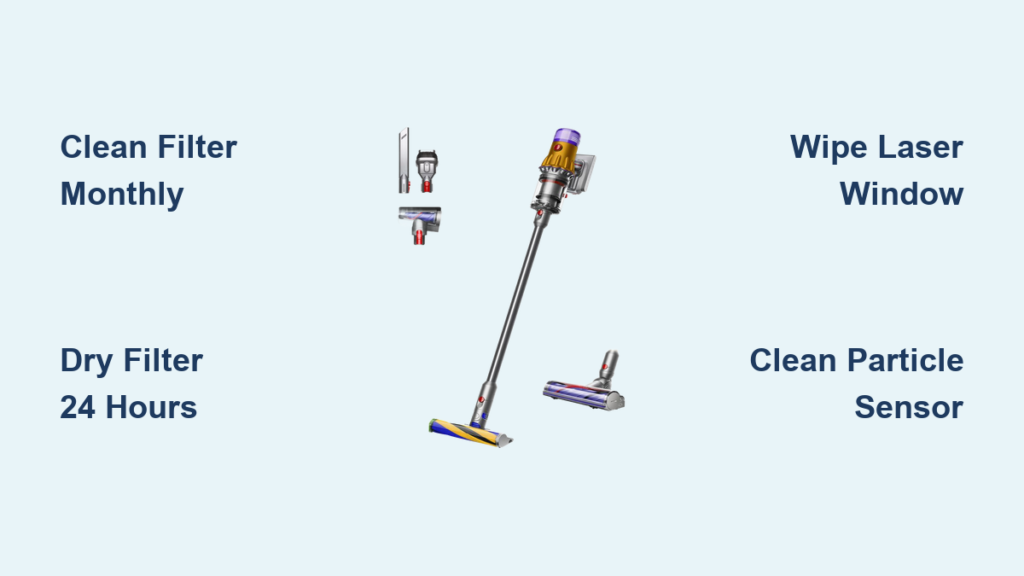
Your Dyson V12 Detect Slim’s powerful suction suddenly weakens during a routine clean, and the particle counter shows fewer dust readings despite visibly dirty floors. This frustrating scenario happens to many owners who don’t maintain their vacuum properly. The V12’s advanced laser dust detection and particle sensor technology require specific cleaning methods to function accurately—standard vacuum maintenance won’t cut it. When you know exactly how to clean Dyson V12 Detect Slim components correctly, you’ll maintain its intelligent cleaning capabilities and extend its lifespan by years. This guide reveals the precise cleaning procedures that keep your vacuum performing like new, including critical steps most owners miss that actually damage their machine.
Stop Damaging Your Filter With This Common Washing Mistake
The post-motor HEPA filter in your V12 Detect Slim captures 99.97% of particles down to 0.1 microns, but improper cleaning destroys its effectiveness. Many owners rinse filters under hot water or use detergents, which melts the delicate filtration media.
Why Your Filter Needs Specific Washing Techniques
The V12’s filter must be cleaned at least monthly using only lukewarm water—never hot water or cleaning agents. Start by unscrewing the filter counter-clockwise from the main unit’s base. Tap it gently over a trash can to dislodge loose debris before washing.
Complete Filter Cleaning Process in 5 Steps
- Fill the filter with lukewarm water, cover both openings, and shake vigorously for 30 seconds
- Rinse under running water while squeezing the filter repeatedly
- Continue until water runs completely clear (this may take 5-10 rinses)
- Shake out excess water thoroughly and place on a clean towel
- Air dry for a full 24 hours in a well-ventilated area away from direct sunlight
Critical warning: Never reinstall a damp filter. The “bone-dry” requirement isn’t optional—moisture reaching the motor causes permanent damage. Test dryness by squeezing the filter; if any moisture appears, allow additional drying time. Your vacuum will display filter maintenance alerts after approximately 30 hours of use, but clean it more frequently if you have pets or allergies.
Deep Cleaning Your Cyclone Assembly Without Causing Leaks

Most owners only empty the bin when full, but monthly cyclone cleaning prevents performance-killing clogs that the particle sensor can’t detect. The V12’s cyclone assembly separates dust from airflow, and when clogged, suction drops dramatically while the LCD shows normal particle counts.
How to Remove and Clean the Cyclone Properly
Press the red bin release button and twist the bin counterclockwise to remove it from the main unit. Empty debris completely, then press the cyclone release button inside the bin to remove the cyclone assembly. Rinse it under lukewarm water, focusing on the narrow channels where fine dust accumulates.
Visual cue to watch for: If water doesn’t flow freely through all channels after rinsing, use a soft brush (not metal) to gently clear obstructions. Never force objects into the cyclone’s narrow passages. Allow the cyclone to dry for 24 hours before reassembly—any moisture causes mold growth inside the sealed system.
Laser Slim Fluffy™ Brush Bar Maintenance That Preserves Dust Detection
The green laser on your cleaner head makes invisible dust visible, but dust buildup on the laser window reduces its effectiveness by up to 70%. Most owners mistakenly clean the laser with liquids, damaging the sensitive optics.
Daily Brush Bar Care Routine
After each use, wipe the laser window with a microfiber cloth—never use liquids or sprays. Check the brush bar for hair tangles by rotating it manually; the V12’s automatic hair removal system works best when maintained weekly. For stubborn tangles, press the brush bar release catch at the head’s end to remove it completely.
Monthly Deep Cleaning Procedure for Optimal Performance
- Remove the brush bar by pressing the release catch at both ends
- Cut through hair缠绕 with scissors (never pull, which damages bristles)
- Use compressed air to clear dust from brush bar ends and housing
- Wipe the laser window with a dry microfiber cloth using circular motions
- Reinstall the brush bar, ensuring it rotates freely before attaching to vacuum
Pro tip: The laser automatically deactivates when the vacuum is set down, but cleaning the window weekly maintains maximum visibility when you need it most on hard floors.
Particle Sensor Cleaning for Accurate Dust Detection
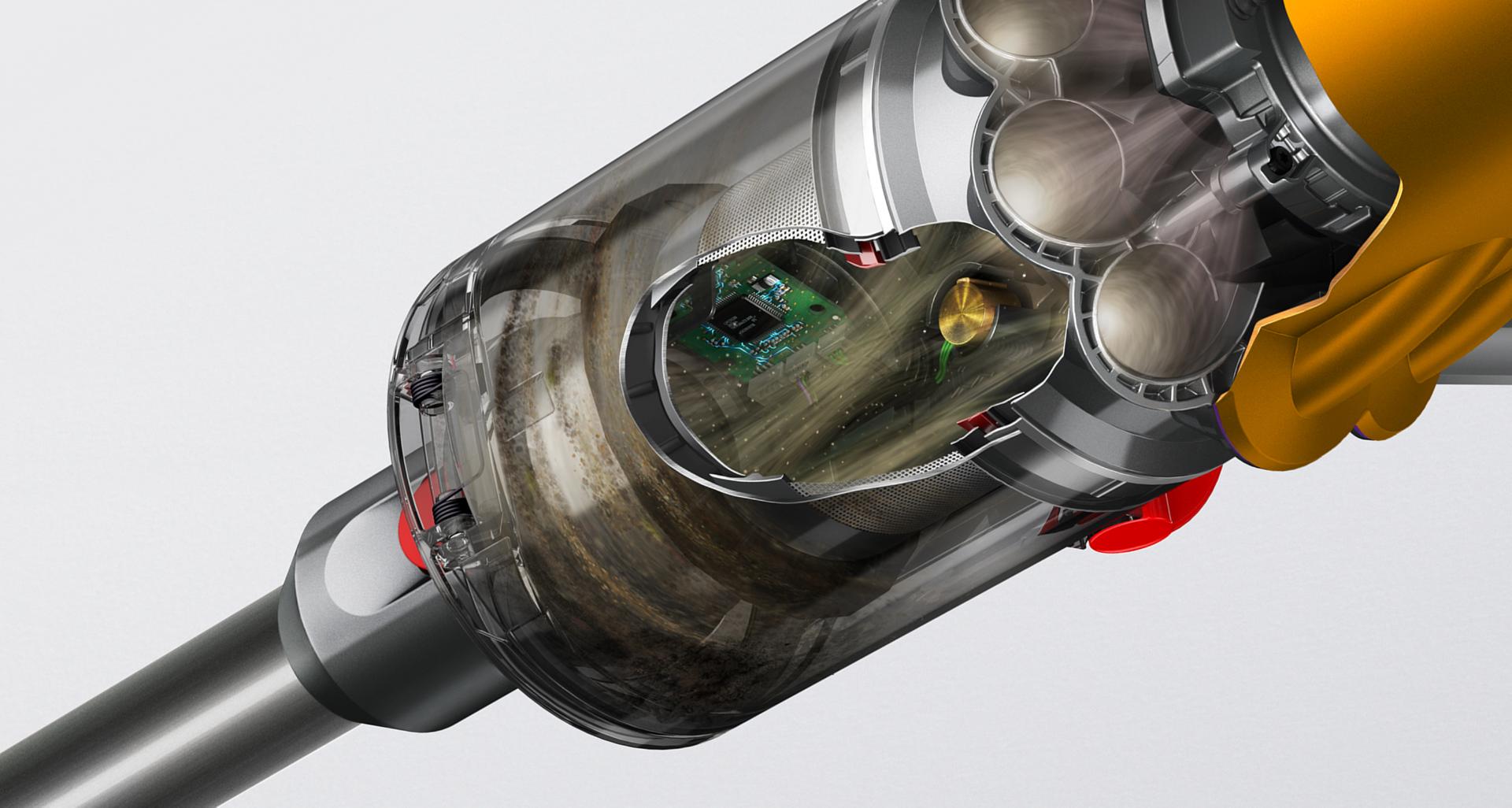
Your V12’s piezo sensor counts particles as small as 10 microns, but dust buildup creates false low readings—making you think your floors are cleaner than they are. Most owners don’t realize this sensor needs cleaning because there’s no direct alert.
Why Sensor Cleaning Matters More Than You Think
The particle counter graph shows four dust size bands (yellow: 10µm allergens, orange: 60µm skin flakes, pink: 180µm dust mites, purple: 500µm sugar granules). When the sensor is dirty, it undercounts particles, especially in the smaller size ranges critical for allergy sufferers.
Simple Sensor Maintenance Process
- Turn off the vacuum and remove the bin
- Locate the sensor chamber behind the cyclone assembly
- Use compressed air to gently blow dust from the sensor opening
- Wipe surrounding areas with a dry microfiber cloth
- Reassemble components completely before testing
Clean the sensor whenever you perform monthly maintenance—this takes less than two minutes but ensures your vacuum accurately detects the microscopic dust that affects air quality.
Troubleshooting Common Cleaning Mistakes That Damage Your V12
Many owners unknowingly shorten their vacuum’s lifespan through improper maintenance techniques that trigger expensive repairs.
Why Your Suction Disappears After Cleaning
The most common mistake: reinstalling components while damp. Moisture in the cyclone or filter chamber causes immediate suction loss. Another frequent error—forcing the bin back onto the main unit when misaligned creates air leaks that bypass the filtration system. Always ensure the bin clicks securely into place with proper alignment.
Battery Damage From Improper Cleaning Habits
Cleaning while the battery remains attached risks electrical damage. Always remove the 25.2V Li-ion battery before any maintenance. Never charge immediately after cleaning sessions—allow components to reach room temperature first. For long-term storage, charge to 50% and store in a cool, dry place, recharging to 50% every three months.
Create Your Personalized V12 Maintenance Schedule
Your cleaning frequency should match your household’s specific needs rather than following generic guidelines.
Custom Maintenance Plan Based on Your Home Environment
- Pet owners: Clean filter weekly, brush bar after each use, sensor every two weeks
- Allergy sufferers: Wash filter twice monthly, deep clean cyclone weekly, sensor weekly
- Standard homes: Monthly filter wash, weekly brush maintenance, sensor monthly
Time-saving tip: Set phone reminders for maintenance tasks matching your usage patterns. The V12’s LCD alerts for filter cleaning (after 30 hours use), but proactive maintenance prevents performance drops between alerts.
Maintaining your Dyson V12 Detect Slim properly ensures you continue benefiting from its intelligent cleaning capabilities for years. By following these specific cleaning procedures for the particle sensor, laser cleaner head, and filtration system, you’ll preserve the vacuum’s ability to detect microscopic dust that ordinary vacuums miss. Remember the critical rule: never operate with damp components, especially the filter. When you establish a maintenance routine tailored to your home’s specific needs, your V12 will maintain peak suction power while providing accurate dust detection data. For optimal results, perform quick maintenance after each use and schedule deeper cleaning sessions monthly—this simple habit prevents 95% of common performance issues. Your vacuum’s LCD screen will show consistently high particle counts on truly clean floors, proving your maintenance efforts are paying off with genuinely cleaner air in your home.

