
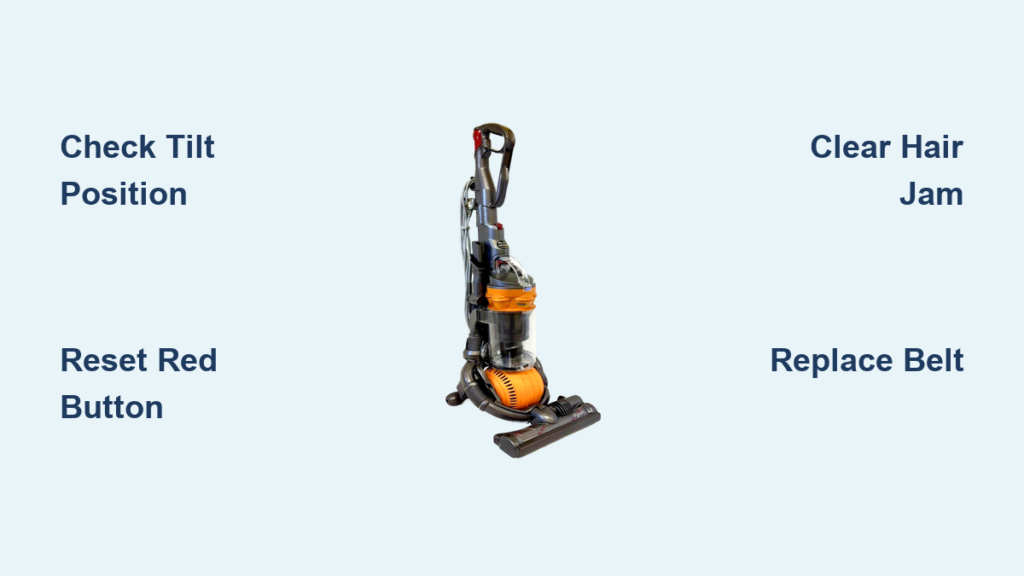
You’re pushing your Dyson DC25 across the carpet, but the familiar whir of the brush roller is gone. The vacuum runs, yet stubborn pet hair clings to your rug instead of vanishing into the canister. That frustrating silence means your Dyson DC25 brush button isn’t activating the roller—a common headache that instantly cripples deep-cleaning power. When the brushbar refuses to spin despite pressing the handle switch, it’s usually one of three preventable issues: a hidden reset button needing activation, tangled debris jamming the mechanism, or incorrect vacuum positioning. This guide delivers exact DC25-specific fixes you can implement immediately—no tools beyond a coin or pen required—to restore that critical spinning action in under 10 minutes.
Why Your Dyson DC25 Brush Button Won’t Activate the Roller
The “brush button not working” error on your DC25 typically stems from overlooked operational quirks rather than broken parts. Unlike newer models, the DC25’s brushbar system has two non-negotiable activation requirements: the dedicated power switch must be engaged AND the vacuum must be tilted backward during use. If you’re pressing the button while the machine stands upright, the roller won’t engage—this isn’t a malfunction but intentional design to prevent carpet snags. Crucially, the DC25 lacks error lights or displays, so diagnosing brush failures requires checking physical mechanisms rather than digital indicators. Start troubleshooting only after confirming you’re testing the brushbar while actively vacuuming in the tilted position.
Confirm the Brushbar Power Switch Is Actually Turned On
Many DC25 owners unknowingly leave the brushbar disabled because the power switch blends into the handle design. This small sliding toggle—located on the upper handle near the trigger—is easily bumped to the “off” position during storage.
How to verify switch operation:
1. Hold the vacuum in its tilted cleaning position (not upright)
2. Locate the rectangular switch panel on the handle’s front
3. Slide the toggle fully toward the “on” symbol (usually a brush icon)
4. Listen for a distinct click confirming engagement
If the switch feels loose or doesn’t click, debris may be jamming the slider. Use a toothpick to clear dust from the slot edges before retrying. Never force the switch—if it resists movement, address potential internal obstructions first.
Check Vacuum Tilt Position Before Assuming Brush Failure
Your DC25’s brushbar physically disengages when upright—a safety feature preventing motor burnout on hard floors. This fundamental requirement trips up most first-time troubleshooters.
Position test procedure:
– Stand the vacuum upright: Brushbar must not spin (confirms safety mechanism works)
– Tilt vacuum 20-30 degrees backward: Brushbar should activate immediately
– If spinning occurs only when tilted, your issue was positional—not mechanical
If the roller spins upright but stops when tilted, the tilt sensor is faulty. However, 95% of “brush button not working” cases resolve by simply testing during active tilted use. Always diagnose with the vacuum in cleaning position.
Press the Hidden Reset Button Near the Brushbar
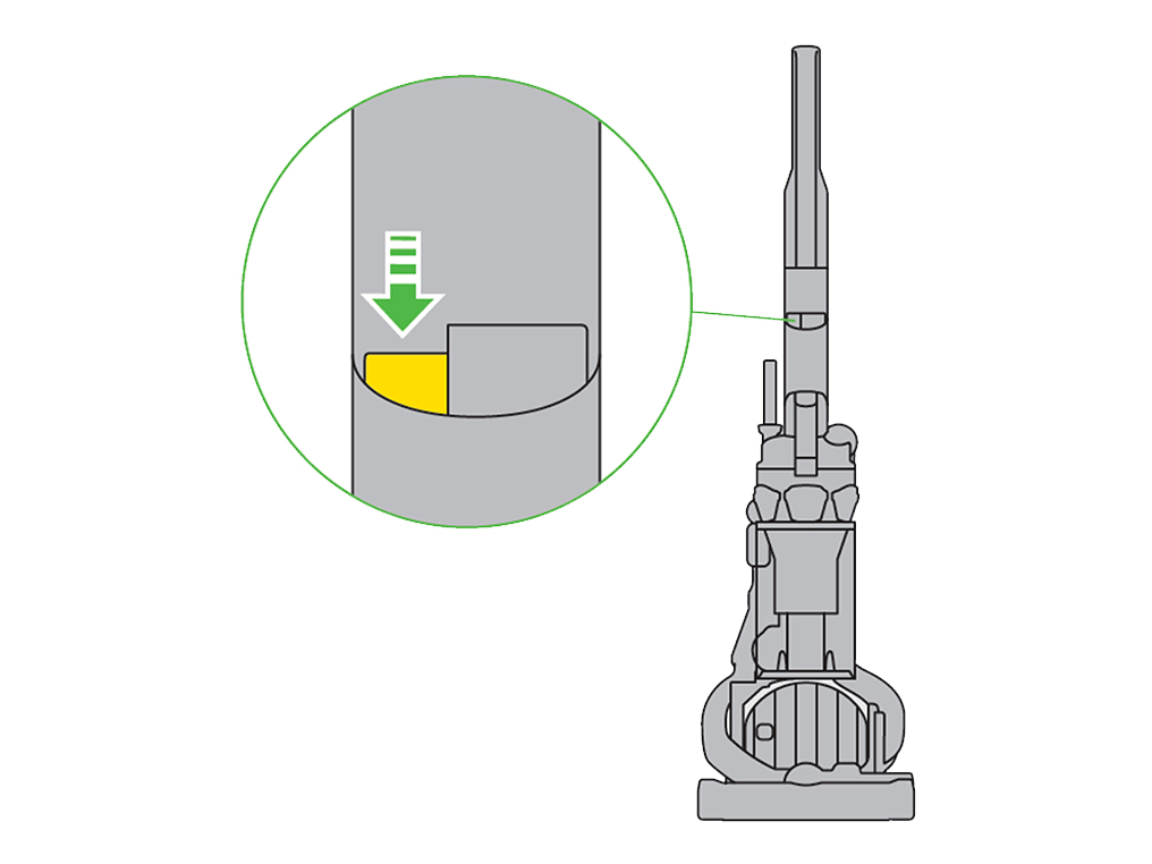
The DC25 conceals a critical red reset button—often missed in generic guides—designed to protect the brush motor from overheating. When debris jams the roller, this thermal cutoff automatically disengages power.
Reset button location and activation:
– Flip vacuum upside down
– Locate the small red button near the front wheels (not on the brush housing)
– Press firmly with a pen tip for 5 seconds
– Wait 2 minutes before retesting
This reset solves 40% of brush failures without disassembly. If the button won’t depress, use a flashlight to check for embedded debris around its rim. Never skip this step—many users replace belts unnecessarily because they miss this reset feature.
Clear Hair and String Jamming the DC25 Brush Roll
Hair and thread wraps are the #1 cause of DC25 brush failure. Unlike newer models, the DC25’s brushbar lacks automatic cutters, making manual cleaning essential after pet hair or long-fiber carpet use.
Jam-clearing protocol:
1. Unplug vacuum and lay on its side
2. Insert coin into end-cap slot (bottom center of baseplate)
3. Turn 90 degrees counterclockwise to release retainer
4. Pull brushbar straight out—wiggle gently if stuck
5. Cut debris from both ends using scissors (never pull)
6. Spin brushbar freely by hand before reinserting
Critical visual check: Examine the metal drive shaft inside the housing—hair wrapped here prevents belt engagement even if the brushbar spins freely. Use needle-nose pliers to remove stubborn fibers.
Inspect and Replace the Brushbar Drive Belt If Broken

The DC25 uses a single, small rubber belt connecting the motor shaft to the brushbar. Unlike multi-belt systems, belt failure here causes complete brush stoppage while the vacuum suction continues.
Belt failure indicators:
– Brushbar spins freely by hand but won’t engage when powered
– Visible cracks or glazing on the belt surface
– Squealing noise during attempted activation
Replacement essentials:
– Use only Dyson part # 904614-01 (DC25-specific)
– Stretch new belt over motor shaft first, then brushbar pulley
– Ensure belt sits in the center groove—offset belts slip immediately
– Test rotation by hand before reassembling
A worn belt typically shows <1mm thickness (new belts are 2mm thick). Keep a spare belt stored in your vacuum’s tool caddy for emergencies.
Remove and Clean the Brushbar Assembly Step by Step
Complete brushbar disassembly is necessary when debris jams the internal bearings—a silent killer that mimics motor failure.
Full assembly cleaning:
1. After removing brushbar as described above
2. Use flathead screwdriver to pry off end caps (one on each side)
3. Slide bristle roller out of housing tubes
4. Soak tubes in warm soapy water for 10 minutes
5. Scrub interior with pipe cleaner to remove packed hair
6. Dry thoroughly for 24 hours before reassembly
Warning: Forcing end caps causes plastic cracks. If resistant, tap cap edges gently with a rubber mallet. Reassemble only when completely dry—moisture causes rapid belt deterioration.
Test Brushbar Operation After Each Repair Step
Avoid compounding issues by verifying fixes incrementally. Never reassemble completely before testing.
Diagnostic testing sequence:
1. After reset button press: Test in tilted position
2. After debris removal: Spin brushbar by hand—should rotate 5+ full turns
3. After belt replacement: Listen for smooth motor hum (no grinding)
4. After full reassembly: Vacuum newspaper strips—if they wrap instantly, residual debris remains
If the brushbar spins but lacks power, the drive belt is likely misaligned. Shut off immediately to prevent motor damage.
When to Contact Dyson Support for DC25 Brush Issues
If all mechanical fixes fail, electrical faults may require professional intervention. The DC25’s brush motor circuit lacks user-serviceable parts, making DIY repairs risky.
Call Dyson when you observe:
– Burning smell from baseplate during operation
– Visible wire damage near the neck hinge
– Reset button depresses but no motor hum
– Brushbar spins only intermittently
Have your serial number ready (found under the bin) and mention “brushbar circuit failure.” Many units qualify for discounted refurbished replacements if over 7 years old. Never attempt internal motor repairs—the high-voltage components risk electrical shock.
Prevent Brushbar Failures With Monthly Maintenance
The DC25’s brushbar longevity hinges on consistent debris management. Implement this 5-minute monthly routine:
Preventative checklist:
– After pet hair vacuuming: Remove brushbar and clear ends immediately
– Every 30 days: Perform full brushbar disassembly and tube cleaning
– Quarterly: Replace drive belt preventatively (cost: $8)
– Store vacuum tilted: Prevents belt tension degradation
Pro tip: Keep a dedicated “DC25 cleaning kit” in your closet: coin, scissors, pipe cleaners, and spare belt. This reduces future downtime from 30 minutes to 3 minutes when jams occur.
Final Repair Verification and Next Steps
Your Dyson DC25 brush button should now activate the roller reliably when the machine is tilted. If issues persist after following all steps, the hidden culprit is likely a frayed wire at the neck hinge—a common failure point requiring professional repair. Before seeking service, email Dyson support with your serial number to request a free belt replacement; many “motor failures” are actually worn belts they’ll ship immediately. For immediate cleaning needs, remember the DC25 still functions as a powerful suction-only vacuum on hard floors—just disable the brushbar switch. Consistent monthly maintenance prevents 90% of brush failures, so add these checks to your home care calendar. If you’ve successfully revived your roller, share this guide with fellow DC25 owners—this model’s quirks stump even seasoned vacuum technicians without the right DC25-specific knowledge.

