
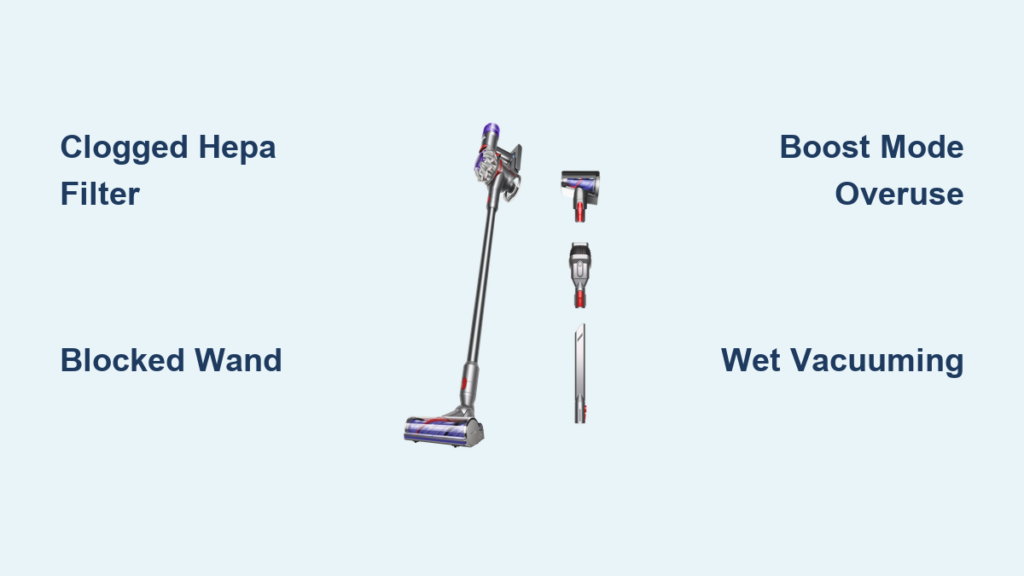
That sudden blast of scorching air from your Dyson’s filter housing isn’t just uncomfortable—it’s a distress signal. When your cordless vacuum becomes too hot to touch within minutes of use, especially on Boost mode, your cleaning session grinds to a halt. This isn’t normal operation, even for high-powered models like the V8, V10, V11, or V15. Unlike store demos that only feel warm, genuine overheating indicates critical airflow restrictions or component failure. You’ll learn exactly why this happens and the precise steps to fix it today—no guesswork, no jargon. By the end, you’ll know how to diagnose the culprit in under 60 seconds and implement solutions that prevent costly damage to your motor or battery.
Why Your Dyson Overheats (And How to Tell in 60 Seconds)
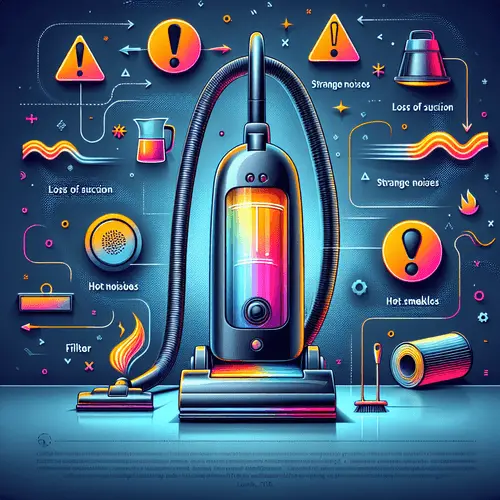
Dyson’s thermal sensors intentionally shut down the motor when temperatures become dangerous—but that warning means your vacuum is already straining. Skip vague “warmth” claims; genuine overheating has three unmistakable signs you can verify immediately.
The 60-Second Overheating Diagnosis Protocol
Step 1: The Critical Touch Test
Run your Dyson on Boost mode for exactly 2 minutes on hard flooring. Power off and immediately feel the base near the filter housing. If you can’t keep your hand on it for 3+ seconds without pain, airflow restriction is confirmed. Store-floor models only feel warm—not searing hot.
Step 2: The Suction Drop Check
With a full bin, run the vacuum on standard mode. Does suction noticeably weaken after 60 seconds? Restricted airflow forces the motor to ramp up speed, generating excess heat while losing cleaning power. This isn’t “normal wear”—it’s an emergency signal.
Step 3: The Filter Light Test
Remove the post-motor HEPA filter. Hold it against a bright window. If less than 20% of light penetrates the filter media, it’s critically clogged. Even slight discoloration means restricted airflow—especially with non-genuine filters.
7 Dyson Overheating Causes (With Immediate Fixes)
Clogged or Fake HEPA Filters (The #1 Culprit)
Why it happens: Dyson’s motor pulls 108,000 RPM airflow. A dirty or non-genuine filter (like $15 Amazon knockoffs) restricts this flow by 40-70%, forcing the motor to overwork. Heat builds rapidly at the filter housing—the exact spot users report as “untouchable.”
Your 10-Minute Fix:
1. Remove & inspect: Twist out the post-motor filter (located behind the bin).
2. Cold-water rinse ONLY: Tap water only—no soap or hot water. Scrub gently with hands.
3. 24-hour air dry: Place vertically on a towel in a well-ventilated area. Never reinstall damp.
4. Verify authenticity: Genuine filters have laser-etched Dyson logos and exact model numbers (e.g., “V8 HEPA”). Counterfeits lack these details.
Pro Tip: Mark your calendar for filter rinses every 4 months. Homes with pets need monthly cleaning. Never run your Dyson without a filter—this causes permanent motor damage.
Hidden Airflow Blockages (Beyond the Bin)
Why it happens: A single hair strand wrapped around the wand’s internal seal or debris in the cyclone port creates backpressure. The motor struggles to pull air, spiking temperatures within 90 seconds.
Clear Blockages in 5 Minutes:
– Wand check: Detach the wand. Shine a flashlight through both ends. Use a flexible plastic rod (like a cable cleaner) to dislodge debris. Never use metal—it damages seals.
– Floorhead inspection: Remove the brush bar cover. Check the intake hole for carpet fibers jammed against the rubber gasket.
– Cyclone port: Empty the bin. Look through the small hole where the wand connects—debris here is invisible during normal use.
Boost Mode Misuse (The Silent Killer)
Why it happens: Boost mode draws 50% more power than standard mode. Running it beyond 7-minute bursts on full carpet coverage overheats motors—even in clean vacuums.
Prevent Overheating:
– Use Boost mode only for: Pet hair piles, spilled flour, or embedded dirt on small rugs.
– Limit to 5-minute intervals followed by 2-minute cooldowns on standard mode.
– For whole-house cleaning, stick to “Auto” or “Eco” mode—they maintain 90% suction with 40% less heat.
Jammed Motorized Brush Bar

Why it happens: Hair wrapped around the brush bar ends creates mechanical drag. The motor fights this resistance, generating heat 3x faster than normal.
Free a Jammed Brush Bar:
1. Power off and unplug the charger.
2. Flip the floorhead upside down—locate the red release tab.
3. Use scissors (not hands!) to cut hair strands near the bearings.
4. Spin the bar manually—it should rotate freely with zero resistance.
⚠️ Warning: Never run the vacuum with a stiff brush bar. This can burn out the clutch in under 3 uses.
Failing Battery (The Hidden Threat)
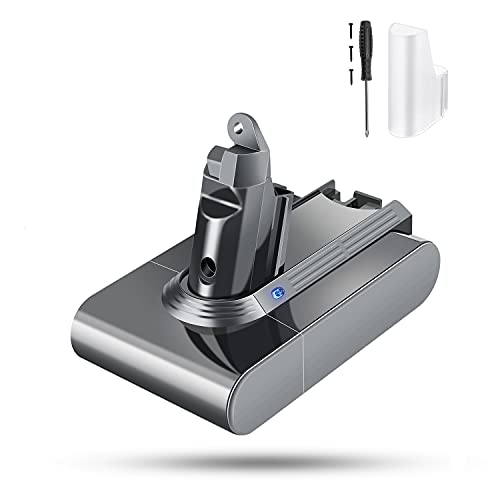
Why it happens: Swollen or degraded batteries overheat during discharge. If your vacuum gets hot before the filter housing (e.g., at the handle), the battery is failing.
Battery Check:
– Does the unit overheat within 60 seconds on low power?
– Is the battery bulging or leaking?
– Does runtime drop below 50% of original?
→ Stop using immediately. A damaged battery risks fire. Contact Dyson Support.
Defective Thermal Sensor
Why it happens: Faulty sensors trigger premature shutdowns. Your vacuum stops working while only warm to the touch—a false alarm masking deeper issues.
Diagnosis:
– Vacuum shuts down at inconsistent times (e.g., 1 min one day, 8 mins next).
– No heat buildup at filter housing during shutdowns.
→ Requires Dyson-certified sensor replacement. Don’t ignore—this masks real overheating.
Vacuuming Wet Messes (The Forbidden Mistake)
Why it happens: Moisture in the filter or bin creates steam when hot air passes through. This saturates the HEPA filter, instantly restricting airflow.
Emergency Response:
1. Power off immediately.
2. Remove filter and bin—dry both for 48+ hours.
3. Never vacuum liquids—even damp spills. Dysons are dry-only machines.
Your Emergency Overheating Protocol
When your Dyson shuts down from heat:
1. Power off and unplug—never force continued use.
2. Cool for 45+ minutes in a shaded, dry area (not on carpet!).
3. Never charge while hot—this destroys battery cells. Wait 2 hours post-cooling.
4. After cooling, perform the 60-second diagnosis above.
5. Test cautiously: Run 3 minutes on standard mode without a floorhead. If it overheats, internal failure is likely.
Long-Term Prevention Checklist
Make these habits non-negotiable:
– Weekly: Clear brush bar hair after every pet-hair session.
– Monthly: Rinse filters (even if they look clean).
– Before deep cleaning: Check wand/floorhead for blockages.
– Storage: Keep in climate-controlled spaces—never garages or cars.
– Boost mode: Treat it like espresso—short bursts only.
When to Call Dyson Support (Don’t Waste Time)
Contact Dyson if:
– Overheating persists after filter cleaning/blockage removal.
– You smell burning plastic or see smoke.
– The unit shuts down in under 60 seconds on low power.
Have ready: Model number (stamped on bin), proof of purchase, and serial number (under battery). US users: Dial 866-693-9766—mention “thermal fault” for priority routing. Under-warranty units get free diagnostics.
Your Dyson isn’t broken—it’s communicating. That searing heat at the filter housing is a direct result of restricted airflow, almost always from a clogged or counterfeit filter. By implementing these precise fixes—especially the 24-hour filter drying rule and genuine part verification—you’ll restore full power without the shutdowns. Remember: A clean filter isn’t maintenance; it’s your vacuum’s lifeline. Keep these habits strict, and your Dyson will deliver peak performance for years, not months. Now go conquer that next spill—without the heat.

