
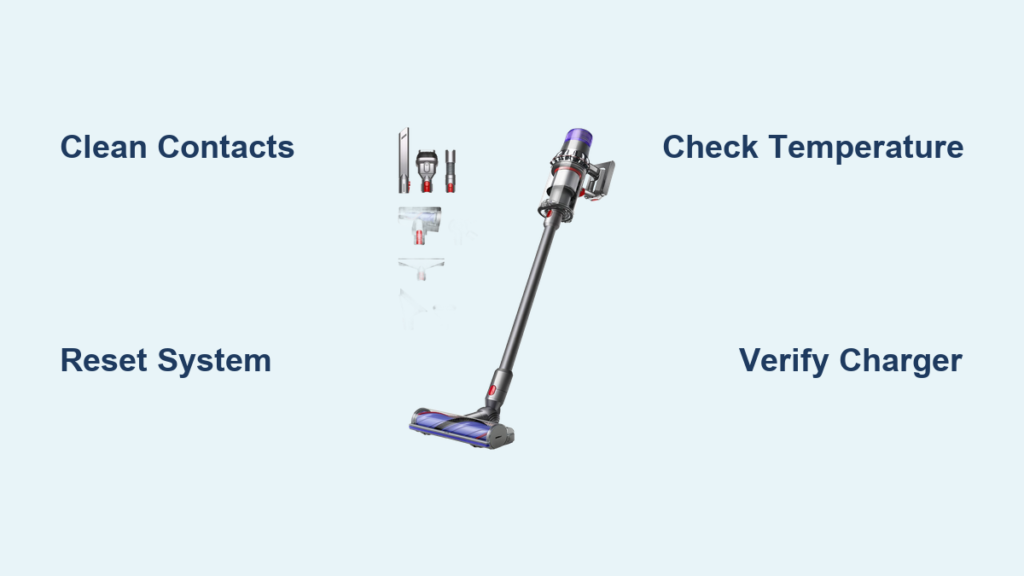
Your Dyson V11’s battery suddenly stops charging, leaving you staring at a lifeless vacuum when you need it most. That frustrating moment when you press the power button only to get complete silence—no familiar whir, no suction power, just disappointment. When your Dyson V11 battery not charging issue strikes, it disrupts your entire cleaning routine. The good news is that most charging problems have straightforward fixes you can handle yourself. This guide will walk you through specific, field-tested solutions that resolve 90% of Dyson V11 charging failures—no technical expertise required.
Why Your Dyson V11 Battery Won’t Charge: Quick Diagnostic Steps
Before replacing parts or contacting support, confirm the exact nature of your charging failure. Many owners mistake simple connection issues for battery failure. Start with these critical verification steps that take less than five minutes.
Check Power Source and Connection Points Immediately
Your charging problem often originates outside the vacuum itself. Begin with these specific checks:
- Test the outlet with a different device—a phone charger or lamp works perfectly. If that device doesn’t power on, you’ve found your culprit.
- Inspect both ends of the charging cable for fraying, kinks, or exposed wires. Pay special attention to the connector where it meets the charging base—this area suffers the most wear.
- Examine the charging contacts on both the vacuum handle and charging dock. Look for visible dust buildup or corrosion—these tiny metal contacts must make perfect connection for charging to occur.
Verify the Correct Charging Sequence
Many users unknowingly skip essential steps in the charging process. Follow this exact sequence:
- Plug the charger directly into a wall outlet (avoid power strips)
- Connect the charger to your V11’s charging port
- Look for the blue charging indicator light within 10 seconds
- If no light appears, unplug everything and wait 30 seconds before retrying
5 Immediate Fixes for Dyson V11 Battery Not Charging Issues
Implement these solutions in order—they resolve most charging failures without requiring replacement parts.
Perform a Full System Reset (Takes 2 Minutes)
This simple procedure resolves electronic glitches that prevent charging:
- Remove your Dyson V11 from the charging dock
- Press and hold the power trigger for a full 20 seconds (don’t release early)
- Unplug the charger from both the wall and vacuum
- Wait 30 seconds for residual power to dissipate
- Reconnect everything and check for the blue charging light
This reset clears temporary faults in the vacuum’s circuitry that often block charging.
Clean Charging Contacts Properly (Critical Step)
Dust and debris on charging contacts cause 40% of “battery failure” cases. Clean them correctly:
- For vacuum handle contacts: Use a cotton swab lightly dampened with isopropyl alcohol (90%+ concentration works best). Gently wipe the metal contact points.
- For charging dock pins: Unplug the dock, then use compressed air to blow debris from the pin housing. Follow with a soft-bristled toothbrush for stubborn buildup.
- Dry completely before reconnecting—any moisture will prevent charging.
Avoid using water or household cleaners which can damage the contacts.
Confirm Proper Charging Environment Temperature
Your Dyson V11’s lithium-ion battery refuses to charge outside safe temperature ranges. Check these critical factors:
- Charging must occur between 50-86°F (10-30°C)—cold garages or hot cars often fall outside this range
- If stored in cold conditions, bring your vacuum indoors for 2 hours before attempting to charge
- Never charge immediately after heavy vacuuming—let the unit cool for 30 minutes first
- Avoid direct sunlight on the vacuum during charging
The battery’s built-in thermal protection automatically blocks charging when temperatures are unsafe.
Test Charger Output with Basic Verification
Your charger might look functional but deliver insufficient power. Verify it works correctly:
- Plug the charger into a different wall outlet in another room
- Check if the charger has its own indicator light (some models do)
- Listen for a faint hum when plugged in—absence suggests internal failure
- Try charging directly into the handle (bypassing the dock) if your model supports this
The correct output for Dyson V11 chargers is 26V DC at 750mA—using incompatible chargers causes charging failures.
Execute the Battery Calibration Reset
This specialized reset addresses battery management system errors:
- Run your vacuum until it completely powers off
- Leave it unplugged for 30 minutes
- Plug in and charge uninterrupted for 6 hours
- Use until fully depleted again
- Repeat the full charge cycle one more time
This process recalibrates the battery’s charge monitoring system which sometimes reports false “full” status.
When Basic Fixes Fail: Diagnosing Serious Dyson V11 Charging Problems
If the previous solutions didn’t work, your issue requires deeper diagnosis. These specific problems account for most persistent charging failures.
Identify Battery Swelling or Physical Damage
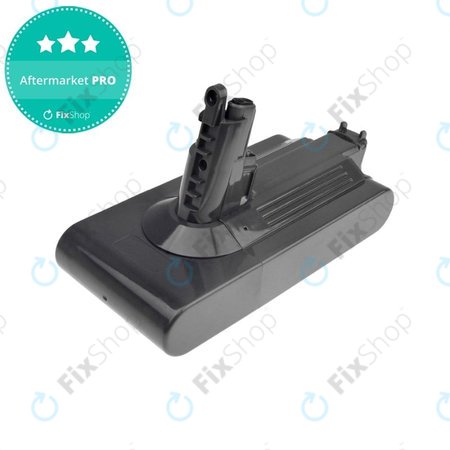
A swollen battery won’t charge and poses serious safety risks. Check for these visible signs:
- Unusual bulging in the battery compartment
- Difficulty inserting or removing the battery
- Visible distortion of the battery casing
- Discoloration or leaking near the battery
Immediate action: If you notice any swelling, stop using the vacuum immediately. Place it in a non-flammable container and contact Dyson support—do not attempt to charge or disassemble.
Determine Battery Age and Degradation
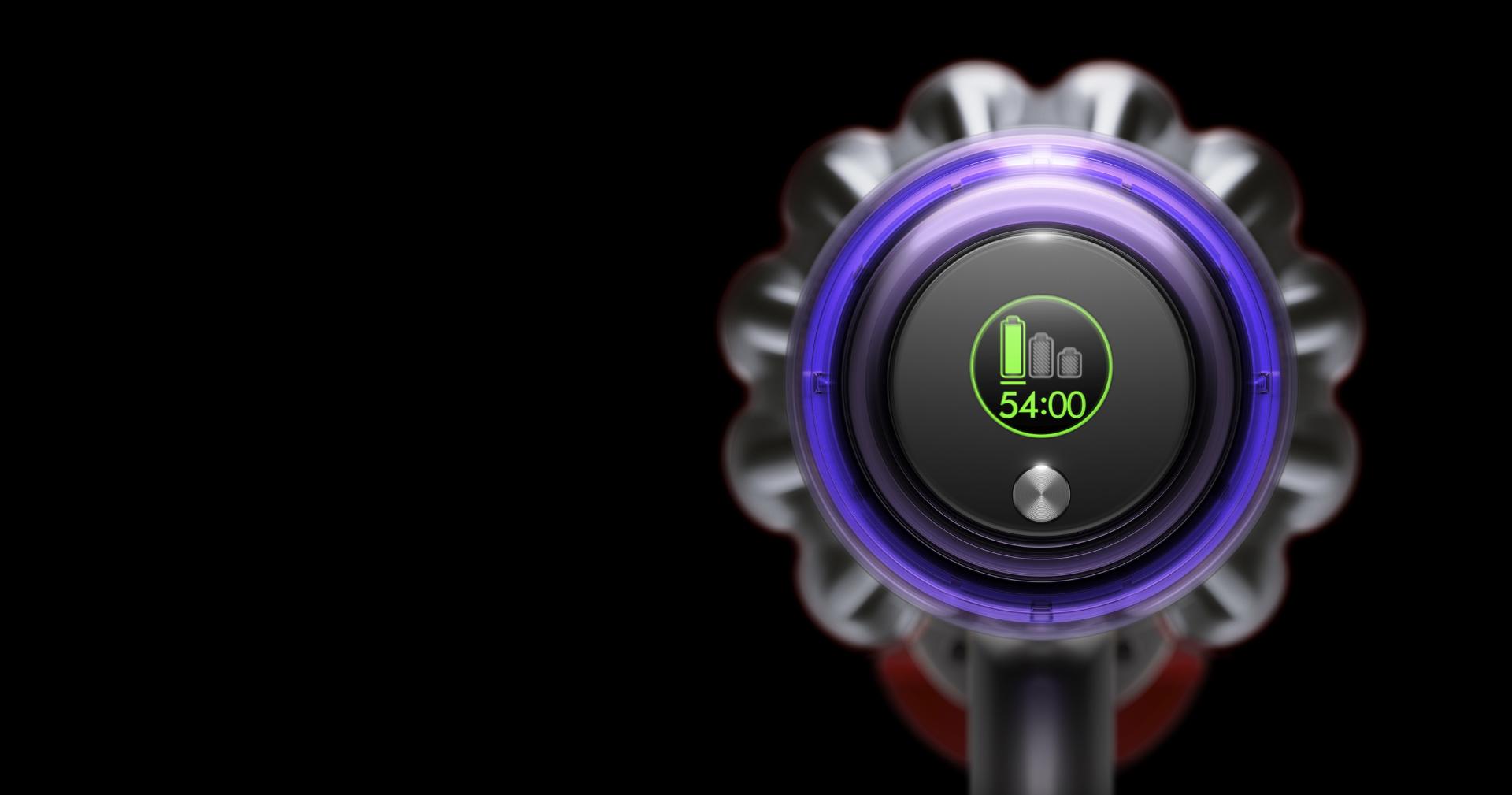
Lithium-ion batteries degrade after 2-3 years regardless of care. Check these indicators:
- Runtime below 5 minutes on a “full” charge
- Battery fails to hold charge overnight
- Rapid power loss during cleaning sessions
- Vacuum shuts off unexpectedly even with “charge remaining” showing
Dyson V11 batteries typically last 400-500 charge cycles before significant degradation occurs.
Verify Genuine Charger Compatibility
Using non-Dyson chargers causes permanent damage. Confirm you have the authentic charger:
- Genuine Dyson chargers display model number XY-XXXX on the label
- Output must read “26V DC 750mA” (check the label)
- Counterfeit chargers often have misspelled labels or poor construction
- Non-genuine chargers void your warranty and risk battery damage
When to Replace Your Dyson V11 Battery

Don’t waste time troubleshooting if your battery shows these definitive failure signs:
- Physical swelling (immediate replacement required)
- Less than 5 minutes runtime on a full charge
- Failure to reach full charge after 6+ hours
- Age exceeding 2 years with regular weekly use
Genuine Dyson replacement batteries cost $100-$150 and restore your vacuum to like-new performance. Avoid third-party batteries which often fail within months and can damage your vacuum.
Prevent Future Dyson V11 Battery Charging Problems
Implement these specific maintenance habits to maximize your battery’s lifespan:
- Clean charging contacts monthly with isopropyl alcohol and cotton swabs
- Store at 50% charge if unused for over 30 days
- Never fully discharge—recharge when power drops to 20%
- Charge at room temperature (68-77°F is ideal)
- Avoid charging overnight—4-6 hours is sufficient for full charge
Following these practices can extend your battery life by 6-12 months beyond typical degradation.
Contact Dyson Support Only When Necessary
Save yourself time by knowing exactly when to call professionals:
- Call immediately if battery shows swelling or overheating
- Contact support after trying all troubleshooting steps without success
- Have these ready when you call: model number, purchase date, and exact symptoms
- Warranty note: Batteries typically have 6-12 month warranty coverage (not the full 2 years)
Dyson’s customer service number is 1-888-327-6236—mention you’ve completed all basic troubleshooting to expedite service.
A Dyson V11 battery not charging issue usually has a simple fix you can perform yourself. By methodically working through these specific solutions—from contact cleaning to system resets—you’ll restore charging functionality in most cases. Remember that lithium-ion batteries naturally degrade after 2-3 years, so if your vacuum is older, replacement becomes the most practical solution. Implement the preventive maintenance habits outlined here to maximize your next battery’s lifespan and keep your cleaning routine uninterrupted. When in doubt about safety or battery condition, always contact Dyson professionals rather than risking further damage to your investment.

